Get started
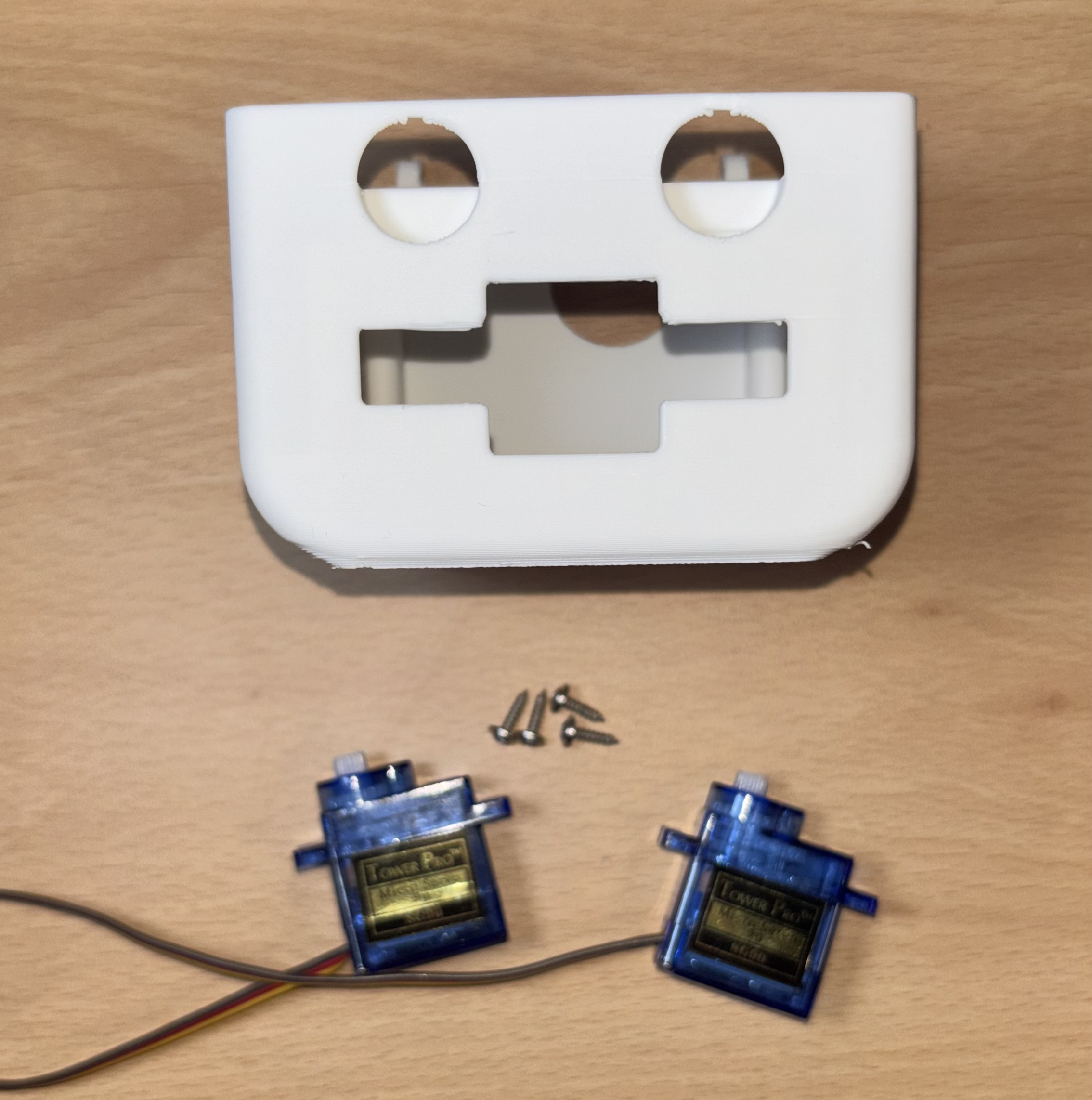
Grab the Body, 2 servos and 4 rounded screws.
Screw in the leg servos to the body
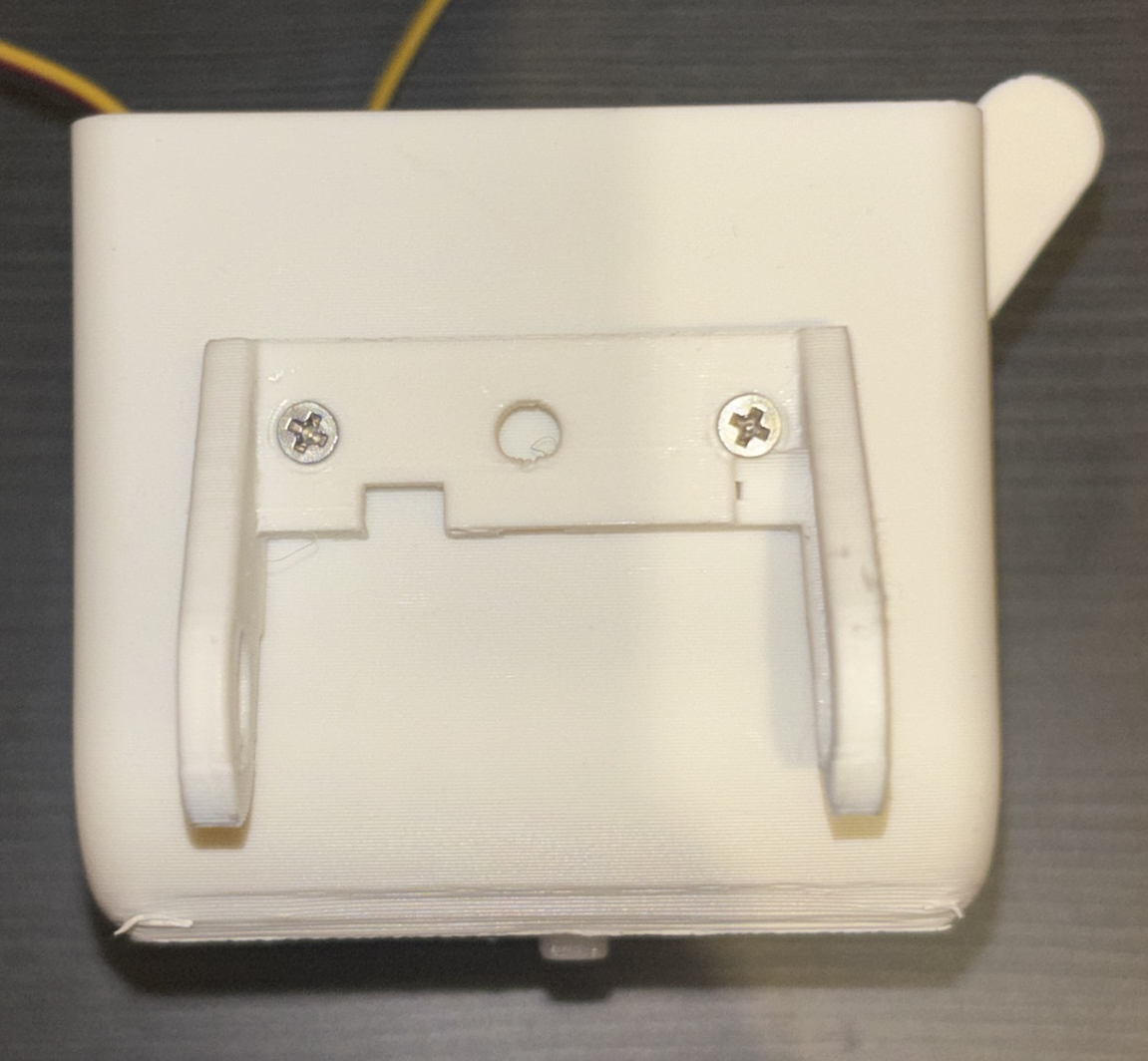
Ask a grown-up Grab a servo moter and rounded screw. Then place the servo onto the stands, so that the wire faces the face. Then screw it in. Do the same for the other servo
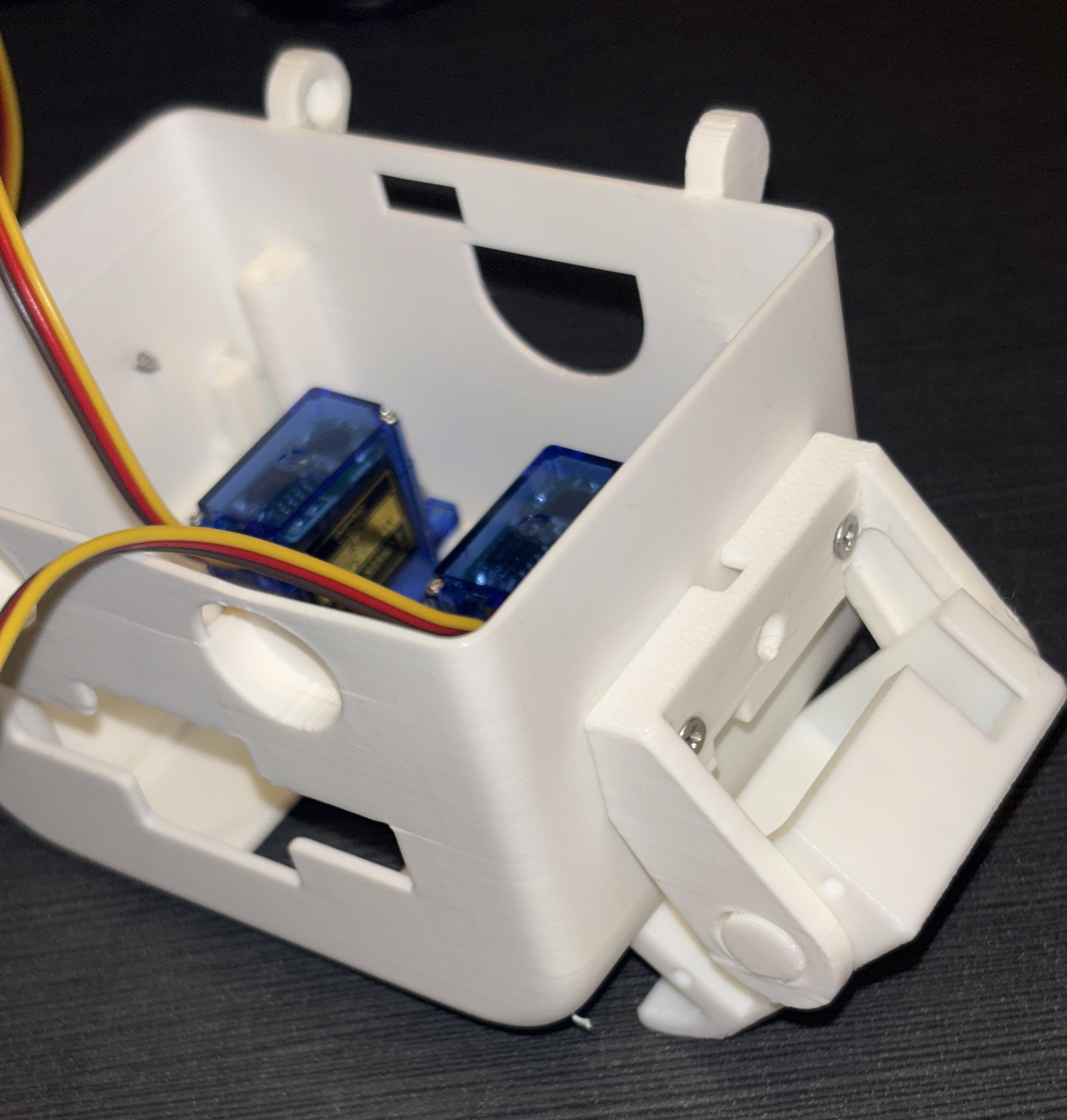
Attach the sholders
Use the holes on the sides of the body to screw in the sholder pieces to both sides of the body.
Check: you are using the long flat headed screws
Insert the hands
Grab the hand peices and insert them into the holes of the sholder peices on both sides.
Check: that the rectangle hole (facing to the body) is away from the face
Tip: you can bend the sholder pieces carefully to insert
Build the brain
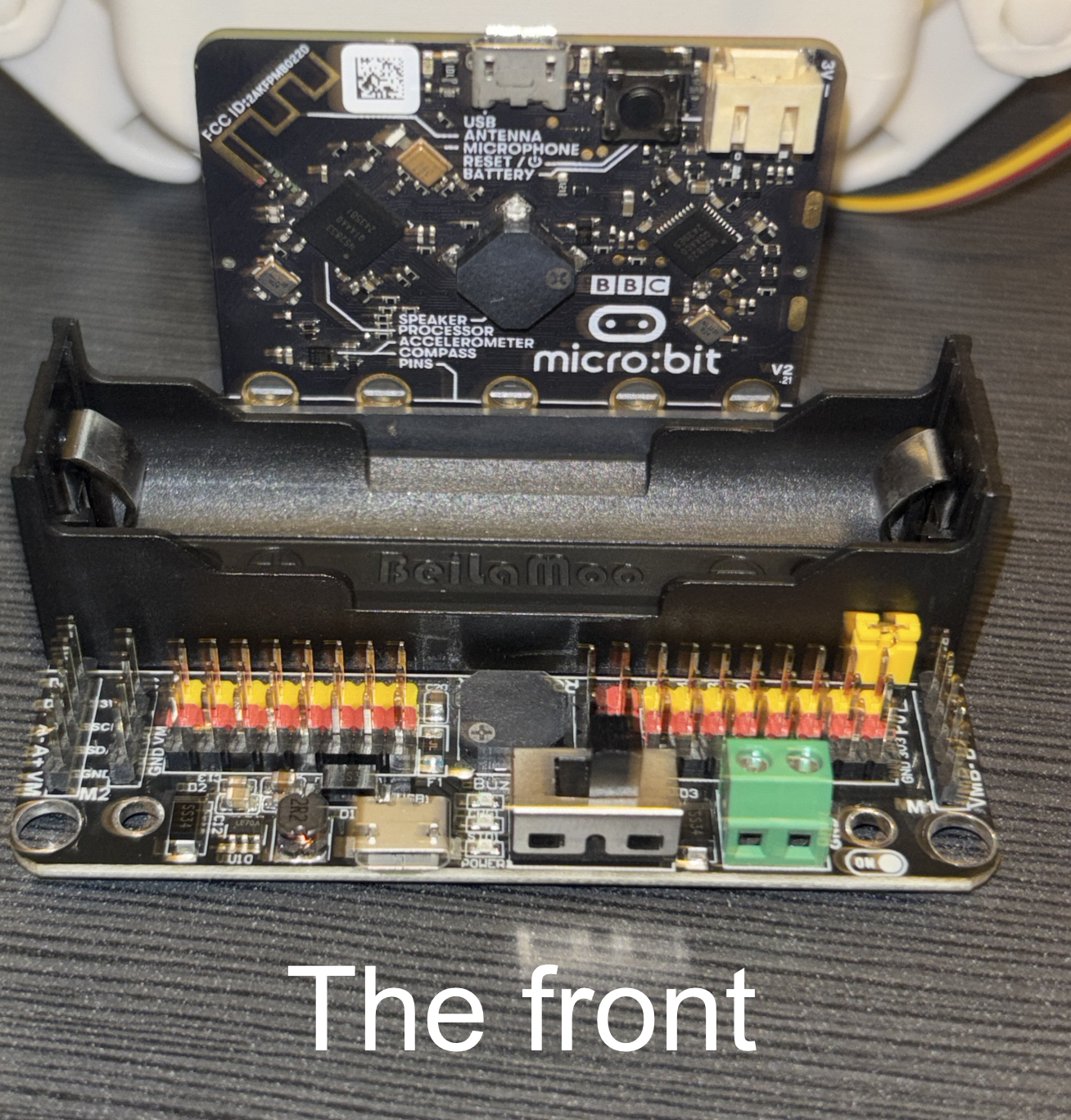
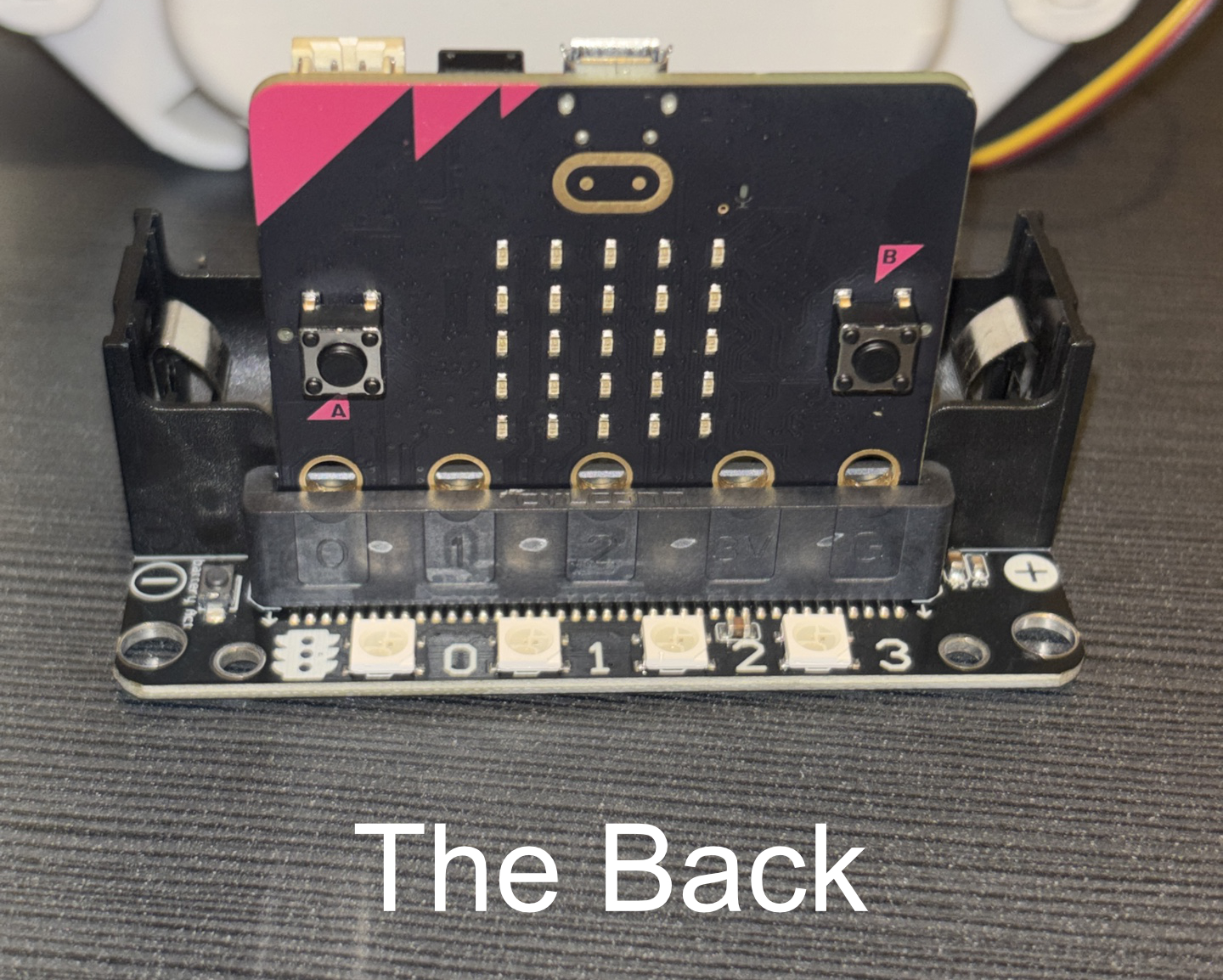
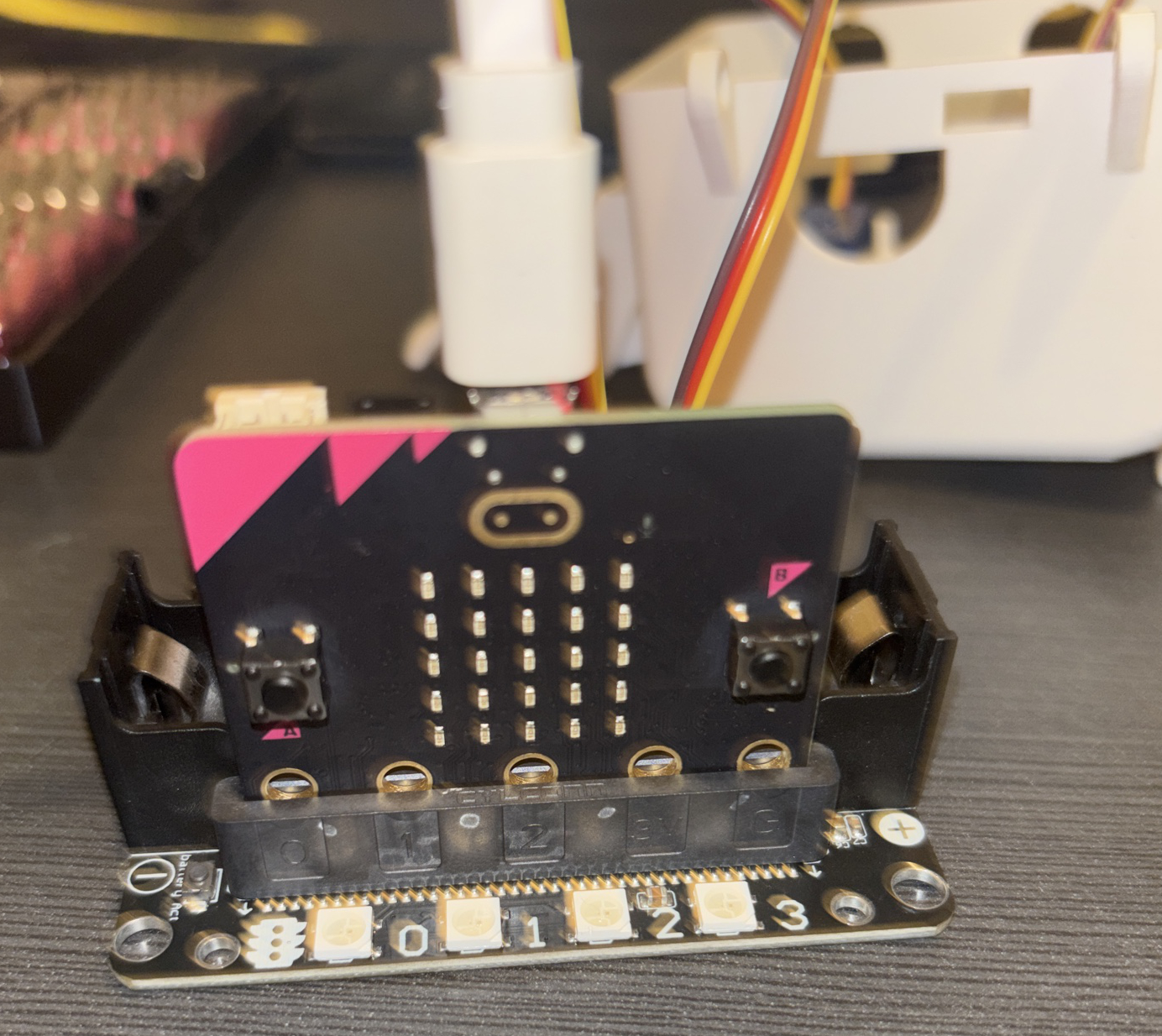
Plug in the Micro:bit into the back slot (facing away from the battery slot) of the Robot:Bit
Connect the servo wires
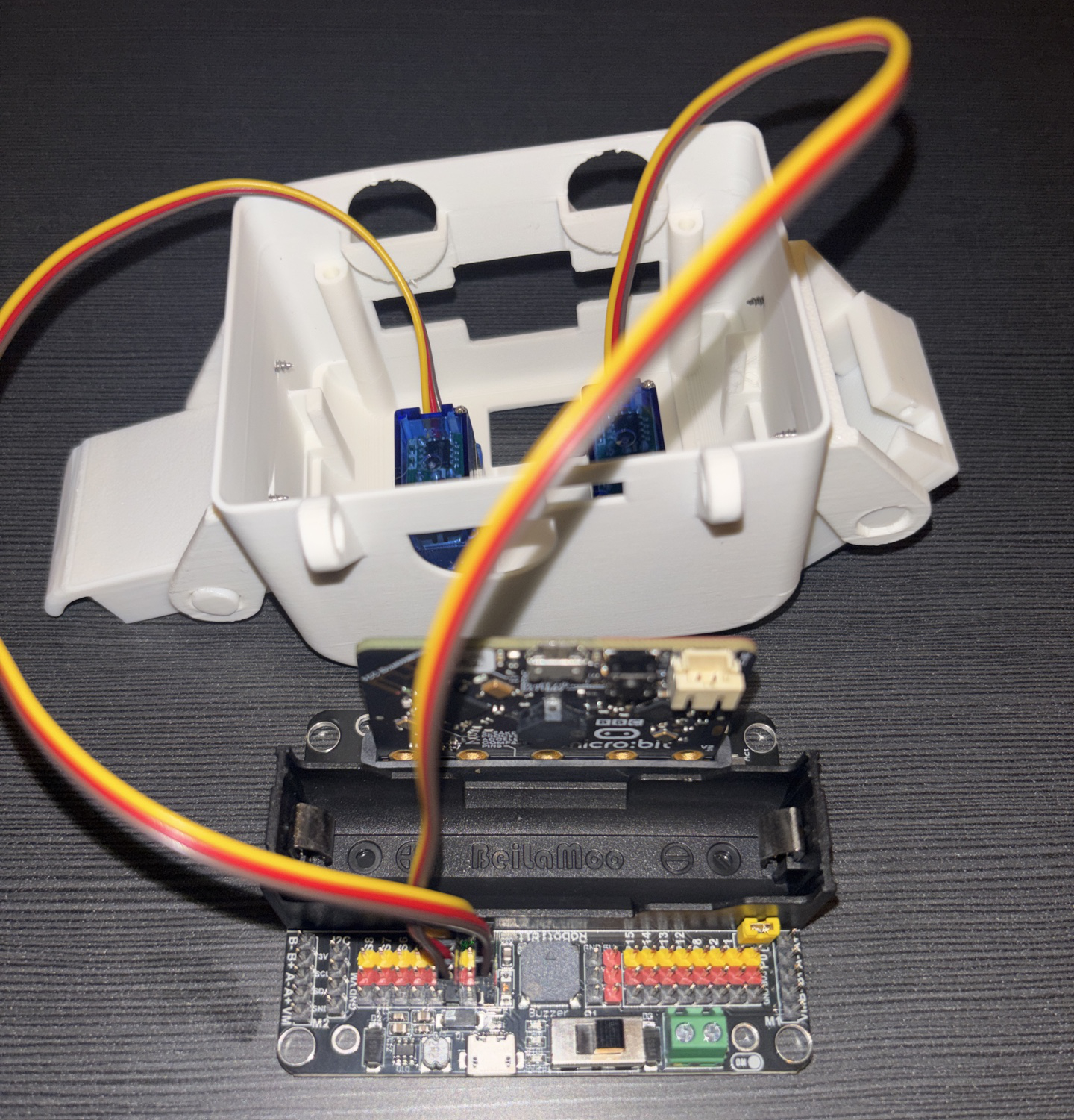
Turn the body arround so it faces the other way.
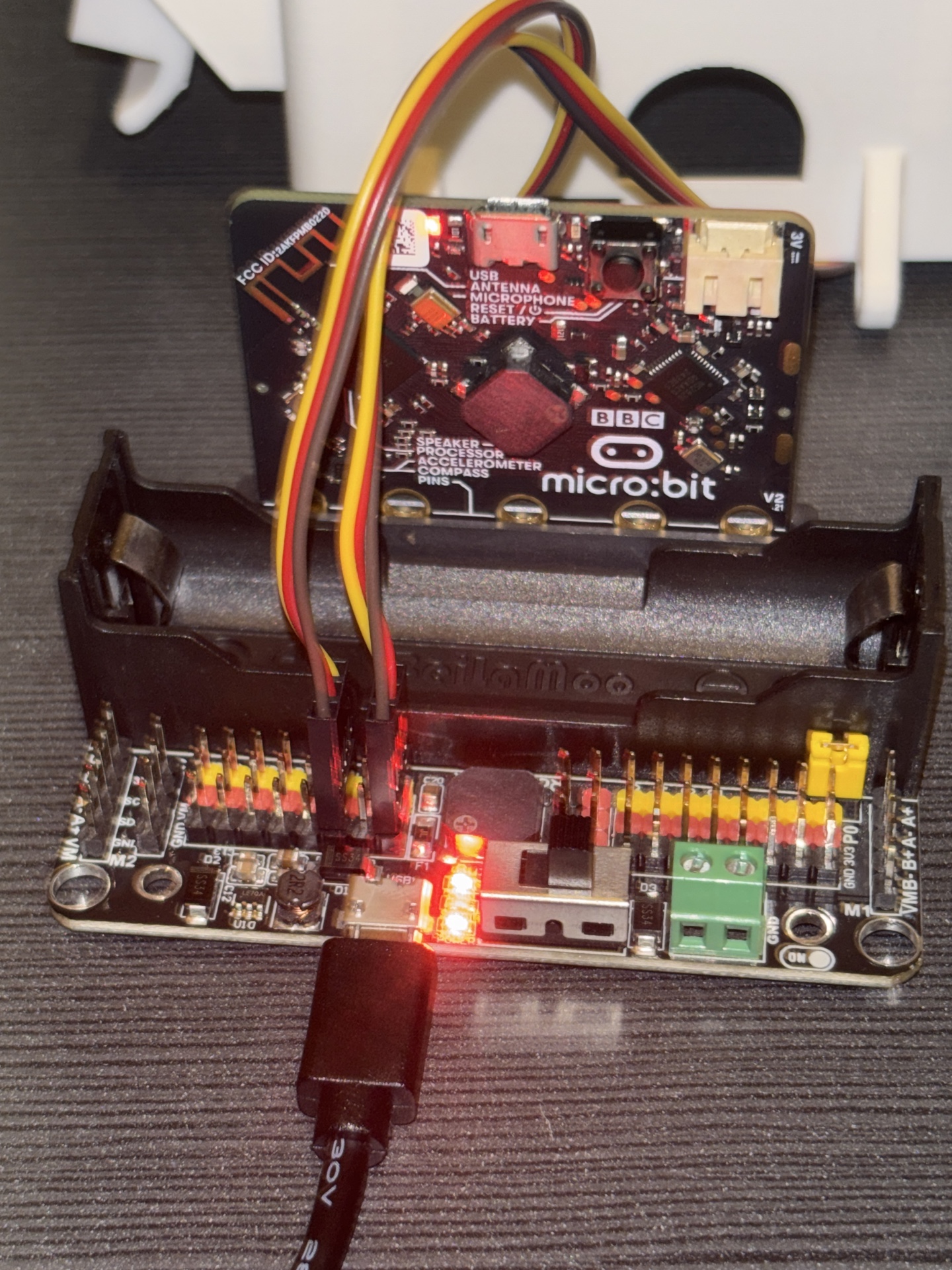
Then grab the left cable and plug it into pin S1.
Plug the right cable into pin S3
Check: that the the wire colours match the pins. EG: red wire to the red pin
Let's calibrate
Next you are going to use code to get the servos sorted
Go to MakeCode
Go to a web browser (Not Safari) and enter
https://makecode.microbit.org/ into the URL bar at the top of the window.
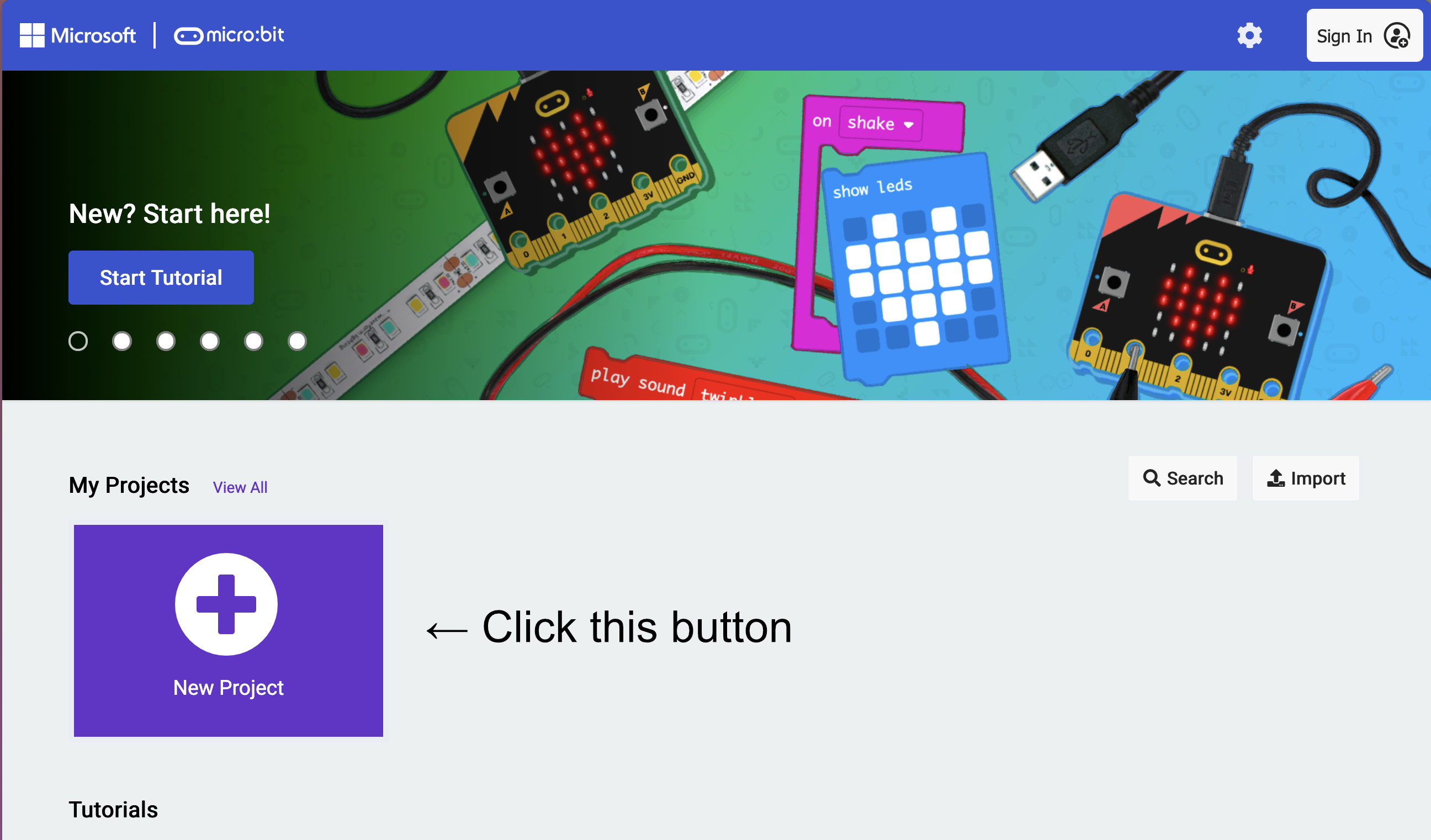
Then click the 'New Project' button
Tip: If you want to access this code on other devices, make sure to press the 'Sign In' button on the top right
Create a new project
Set the project name as 'Walking Robot', then press the green 'Create' button
Add RobotBit extention
1) Click on the Extentions draw
2) Go into the search bar (at the top)
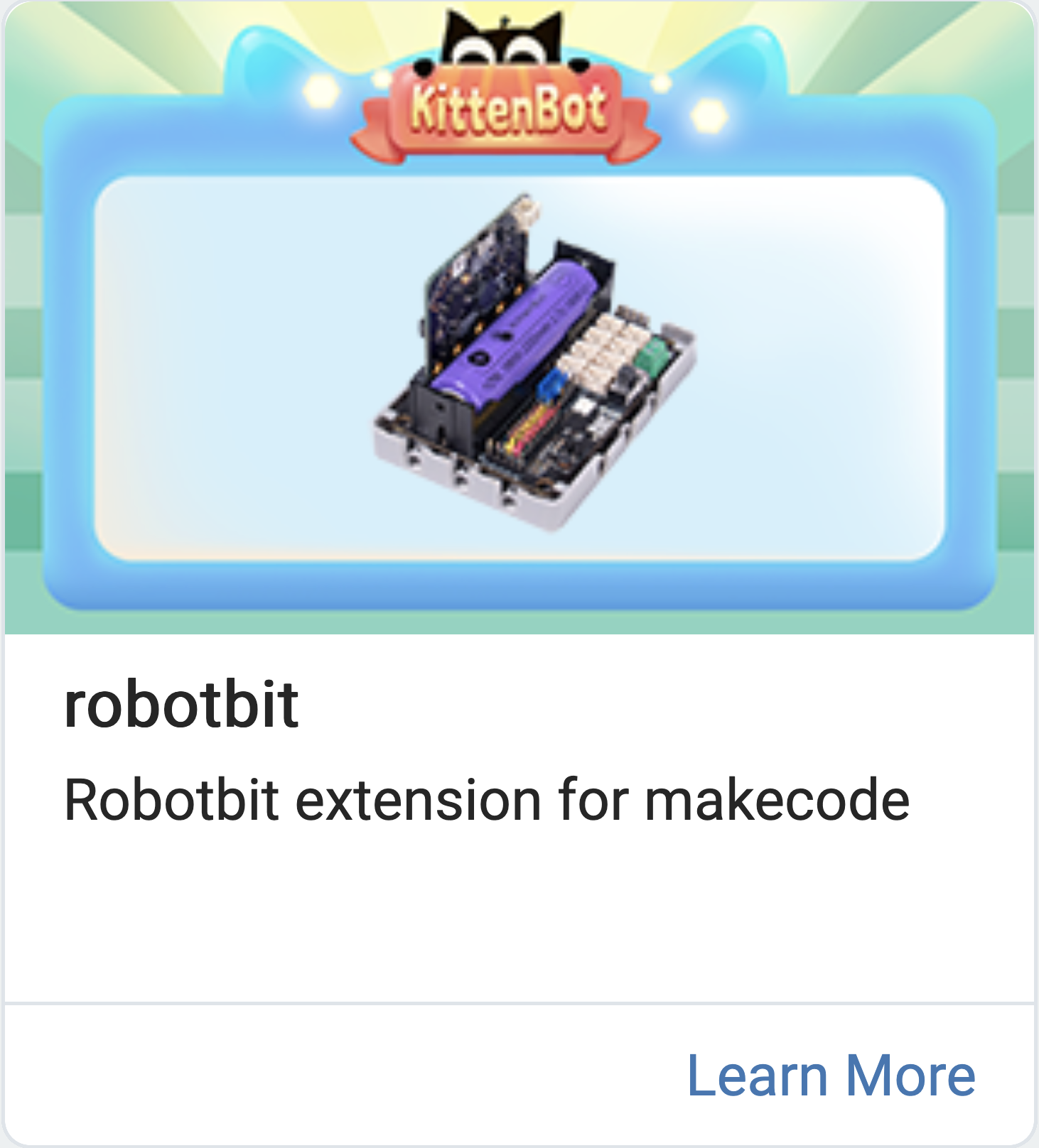
3) Type in 'RobotBit'
4) Press enter
5) Click the first one
Plug in the Micro:bit
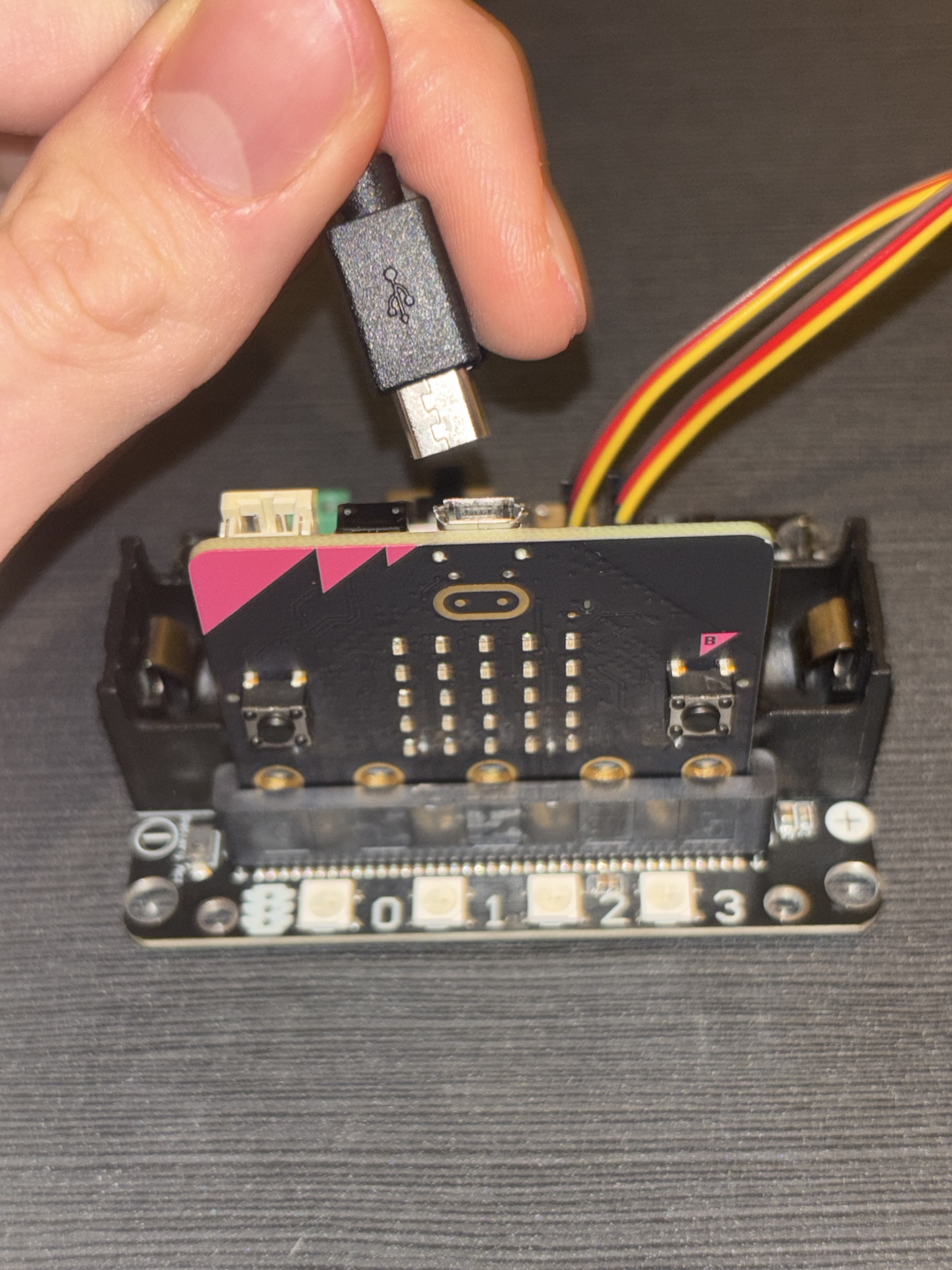
Grab the USB cable and plug it into the Micro:bit and your device
Download the code
Click the download button on the bottom left of your screen. Then follow the instructions on the screen to pair your MicroBit
Swap the USB connection
Unplug the USB cable from your Micro:Bit and plug it into the front of the Robot:Bit. Finally flip the switch so the light turns from green to red.
Check: if done right, you should hear the servos move. If the wiring is correct but you hear no sound, feel free to continue
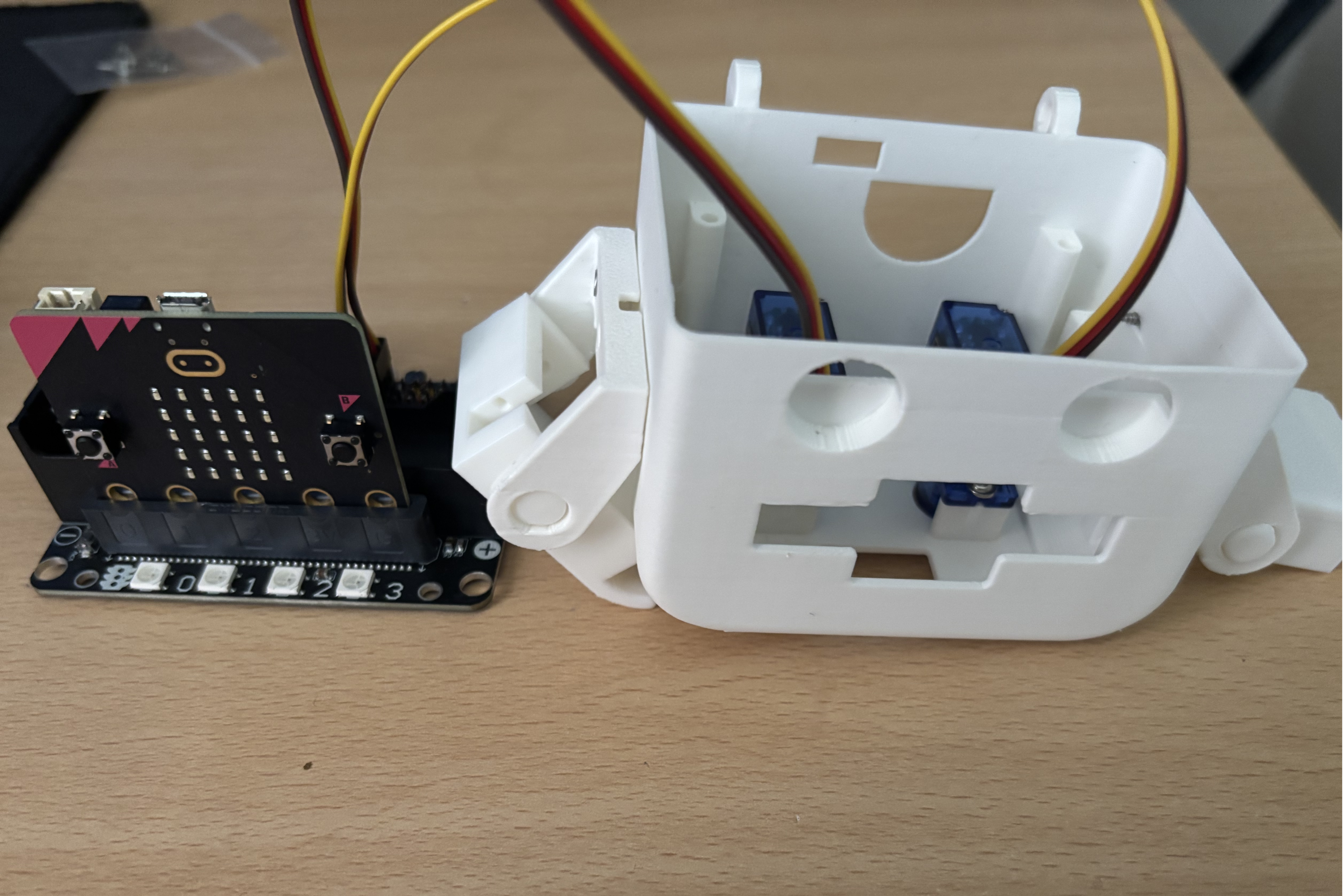
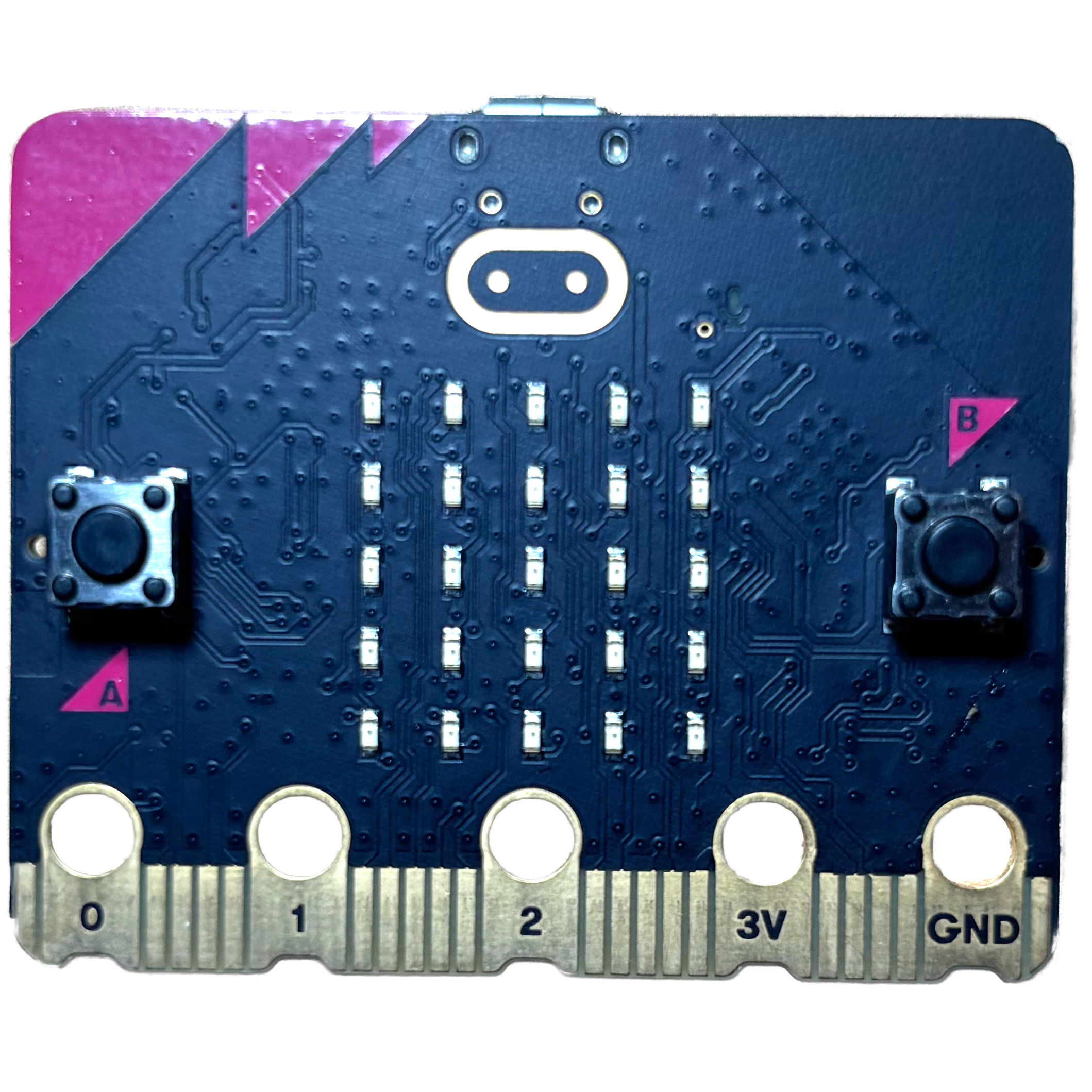 Micro:Bit
 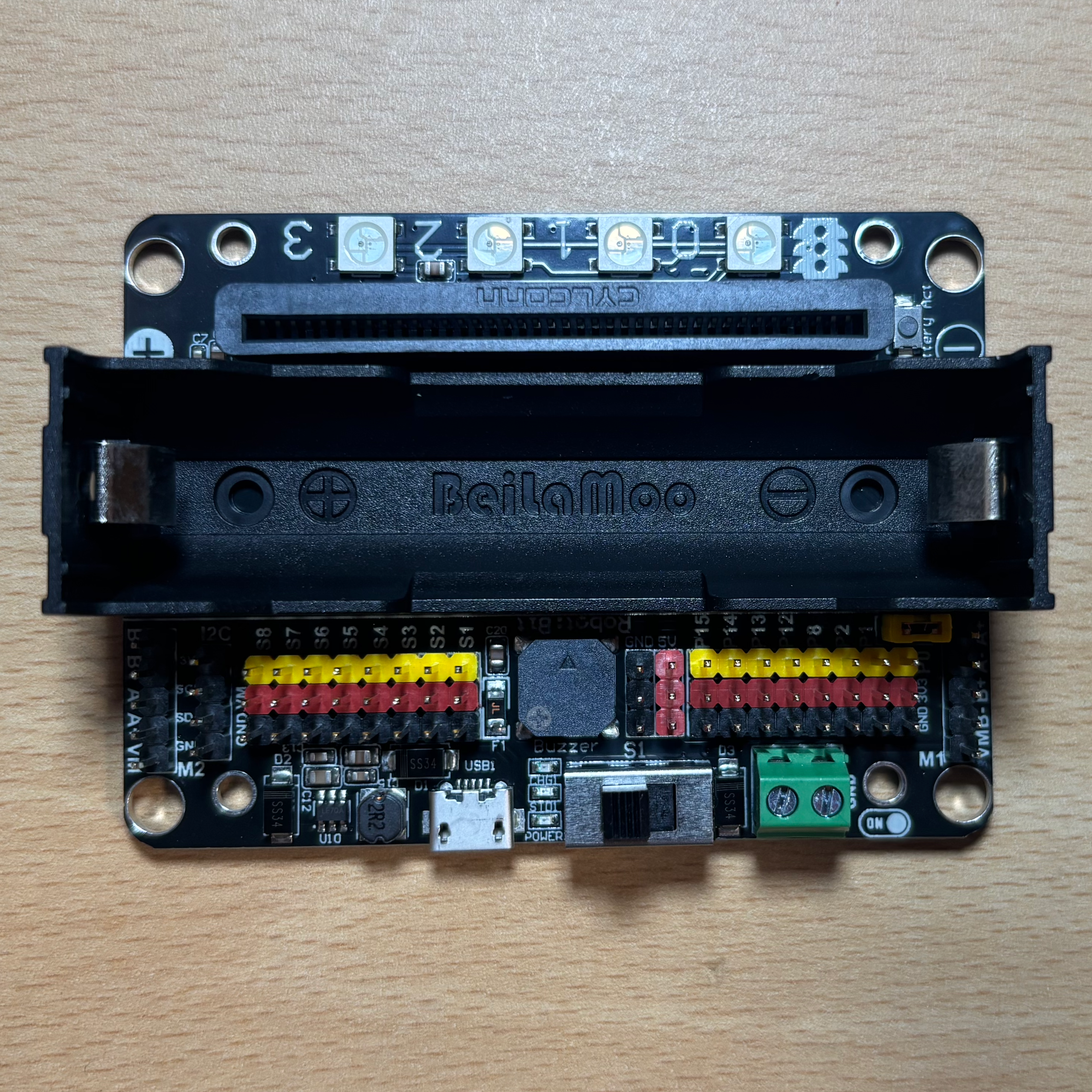 Robot:Bit
 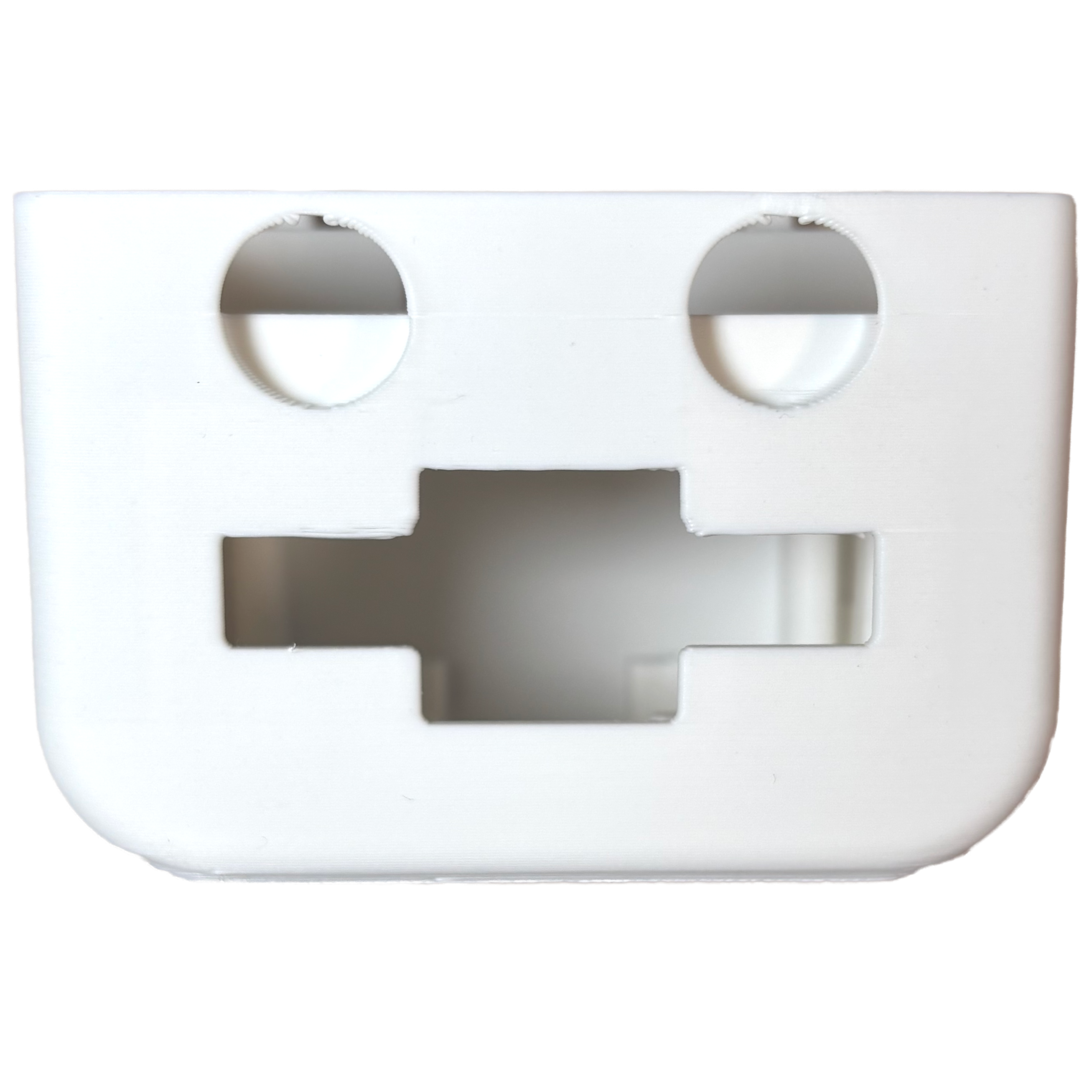 Body
Body 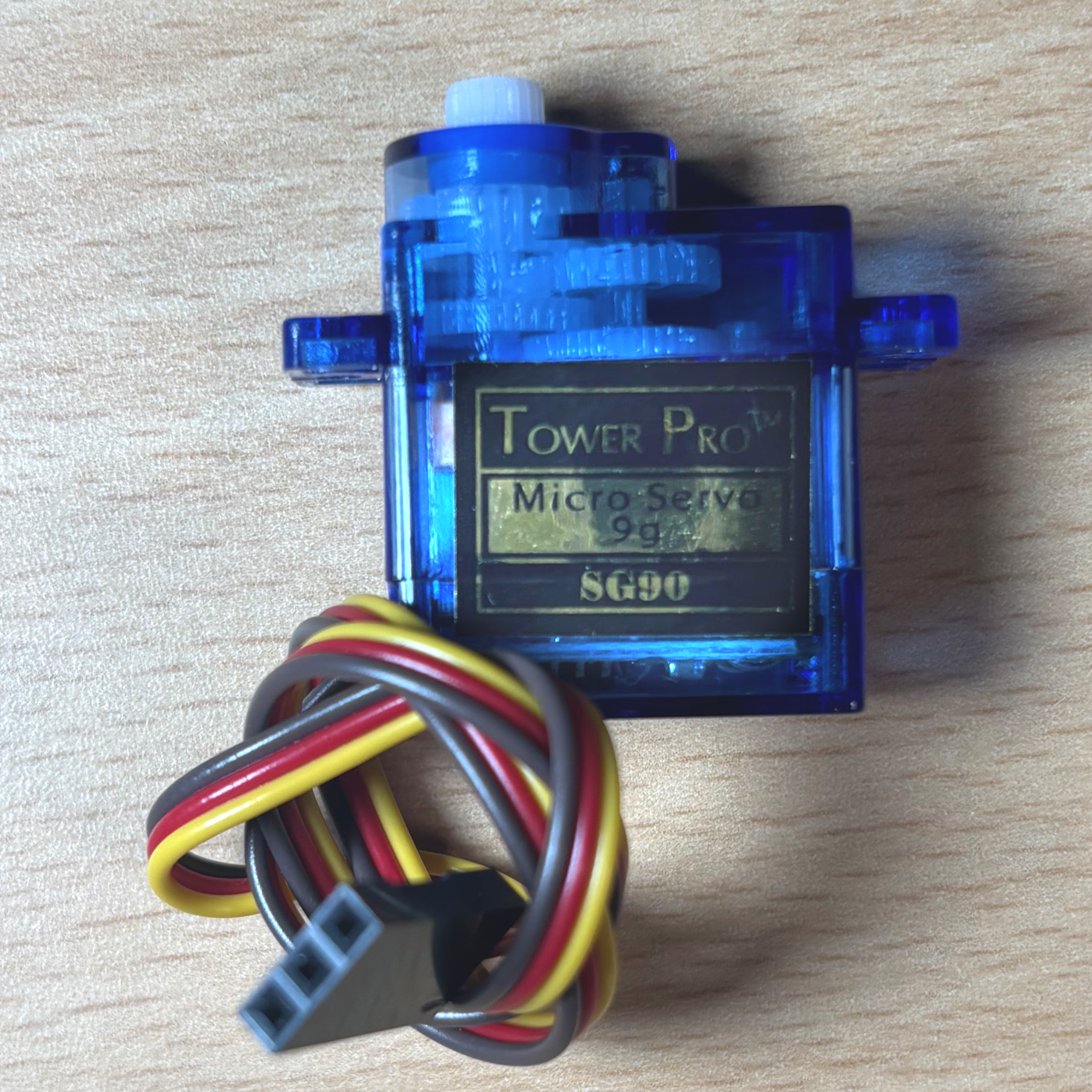 Servo Moters
 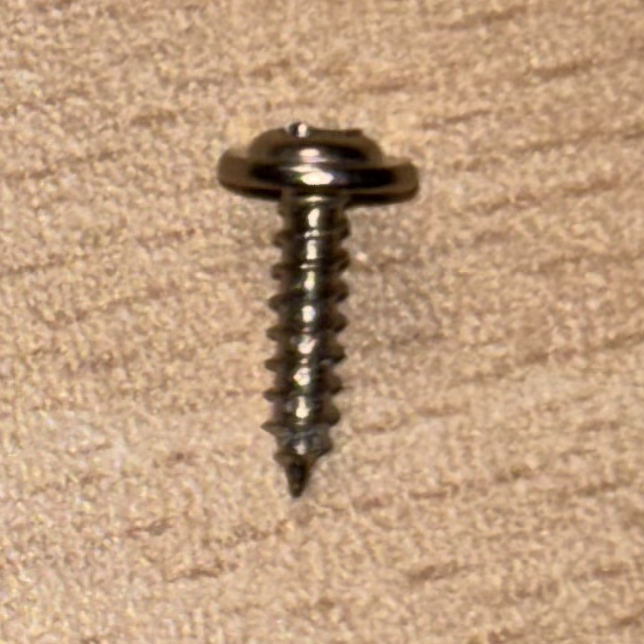 Rounded top screws
 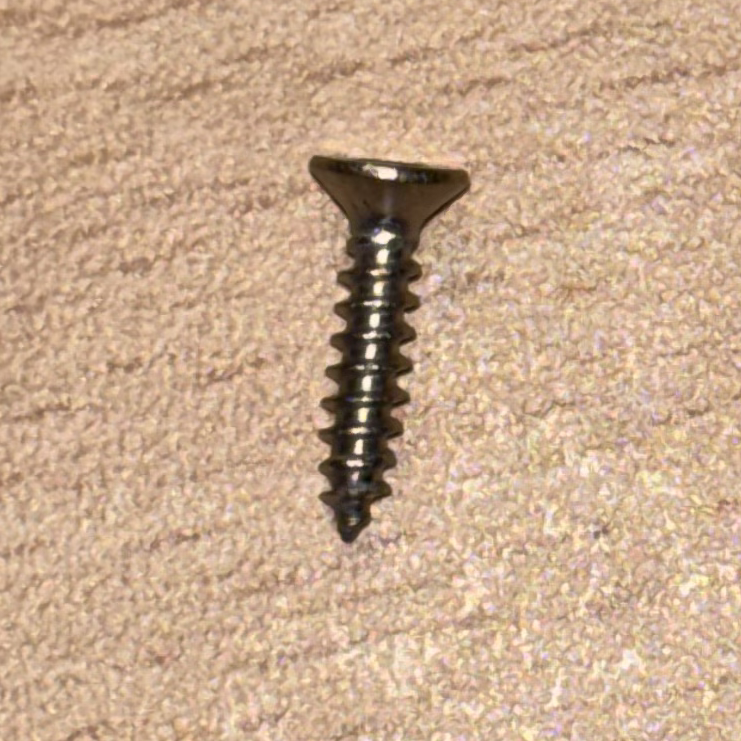 Flat top screws
 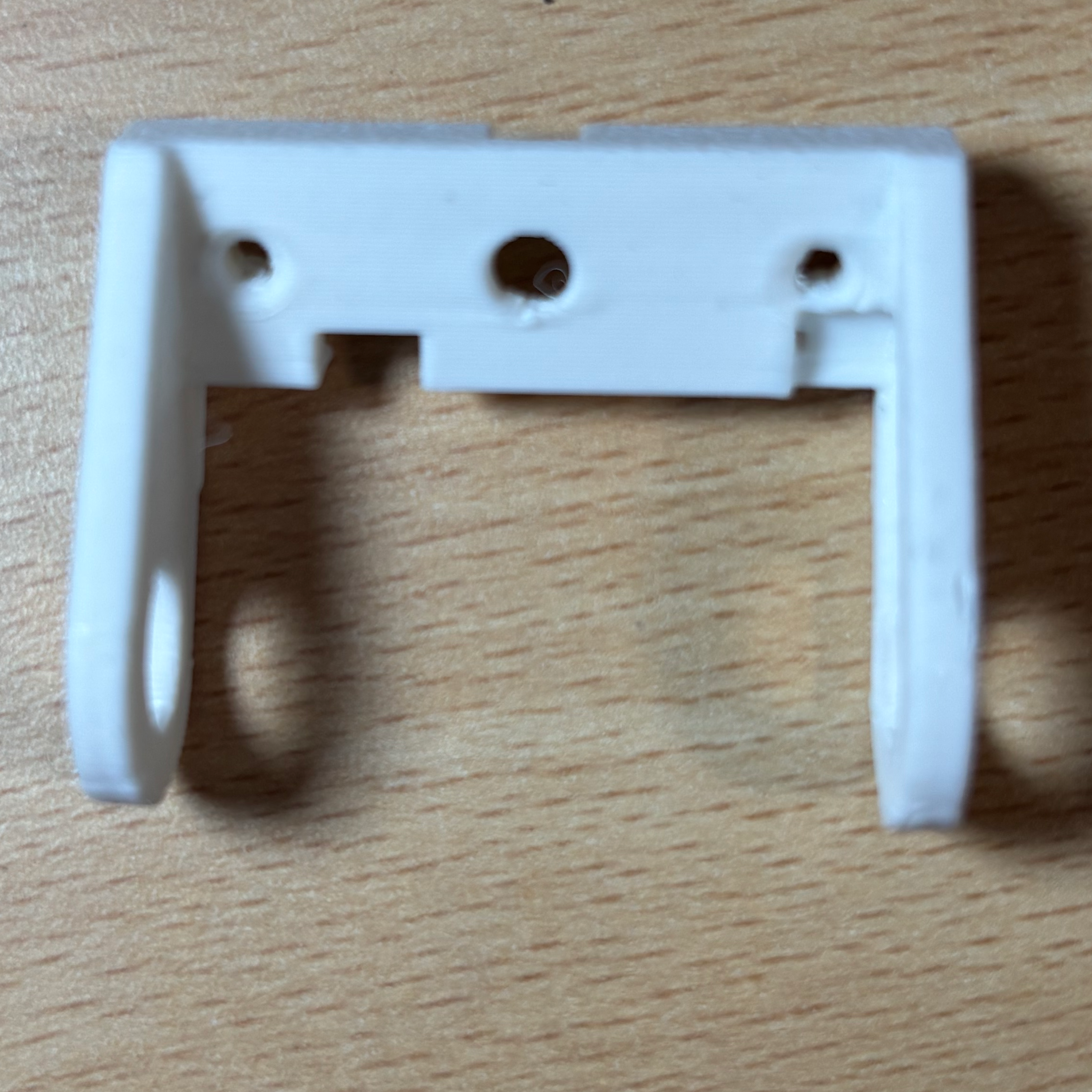 Sholder
 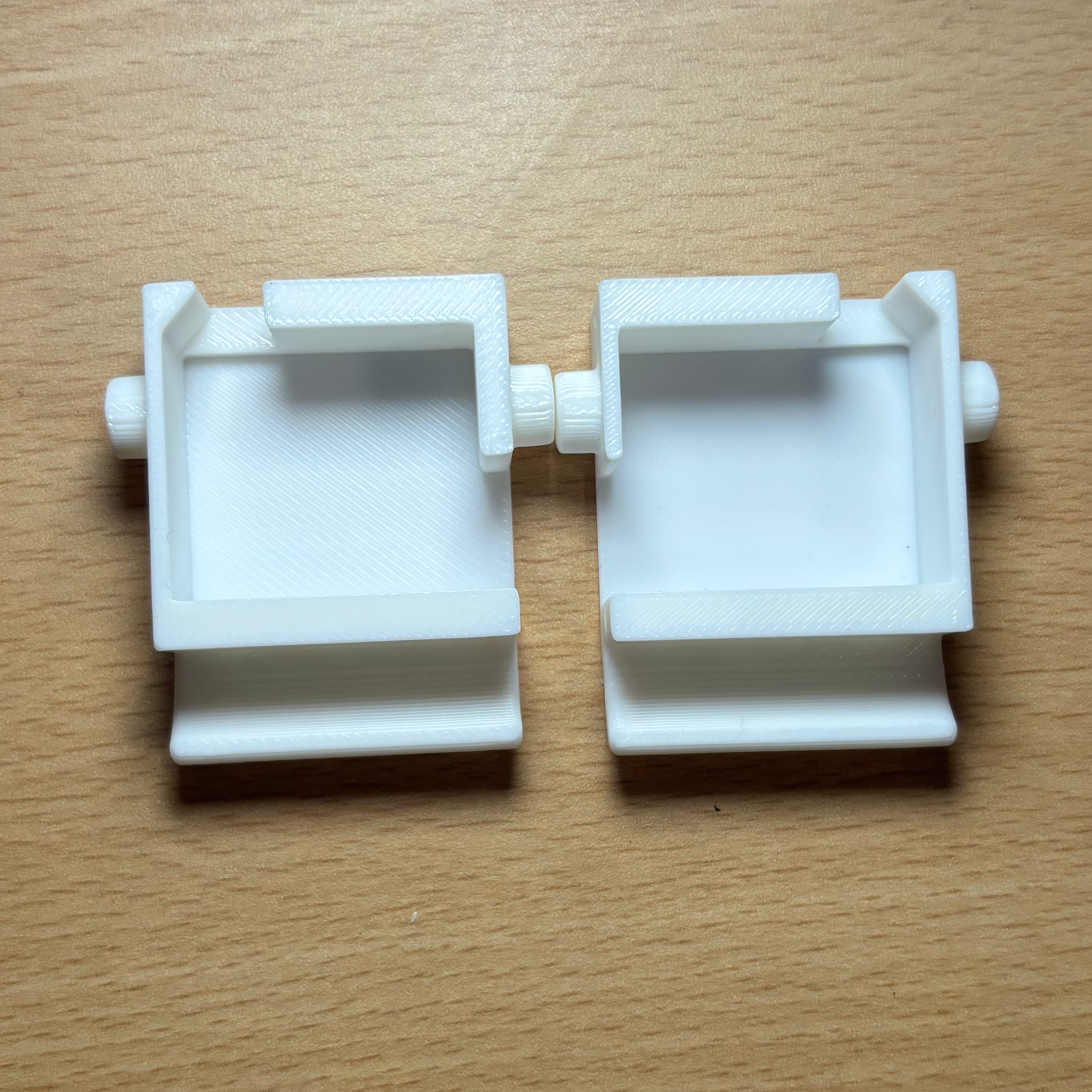 Hands
Hands