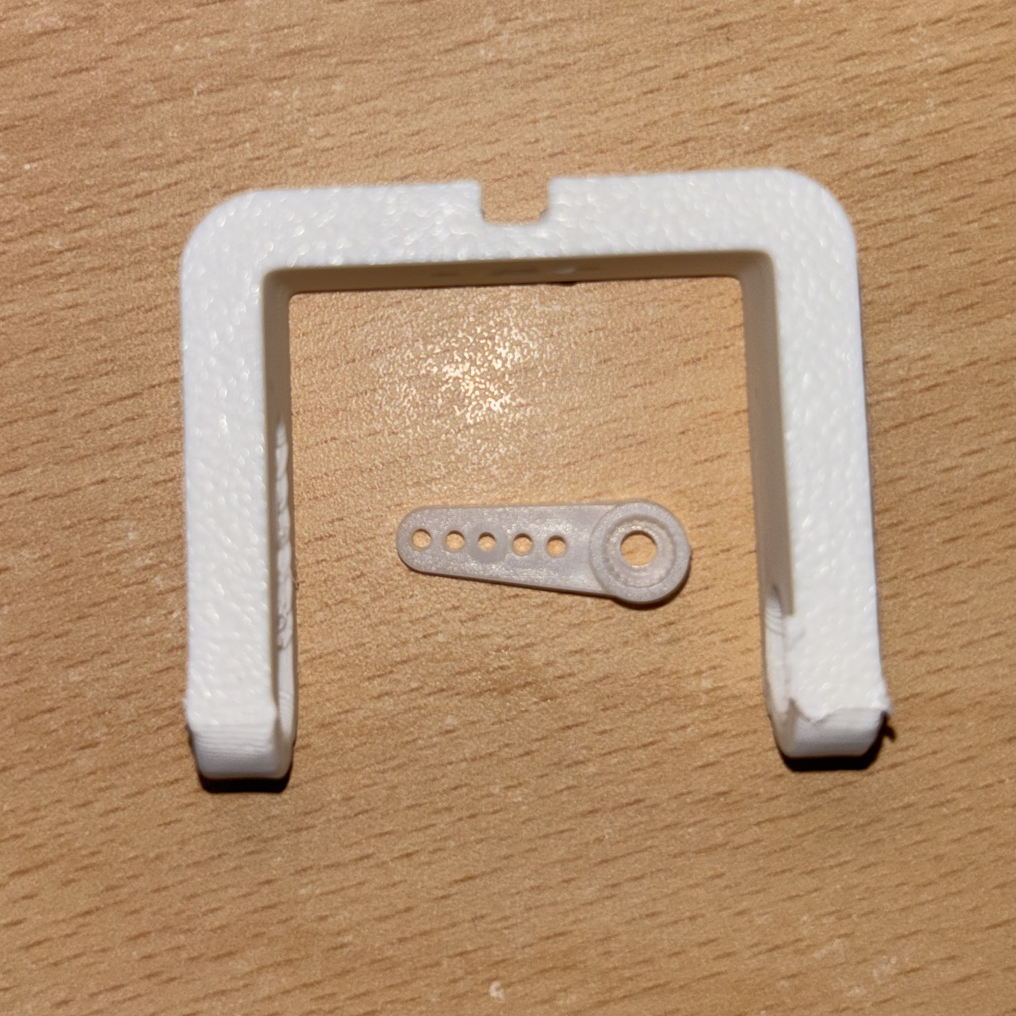
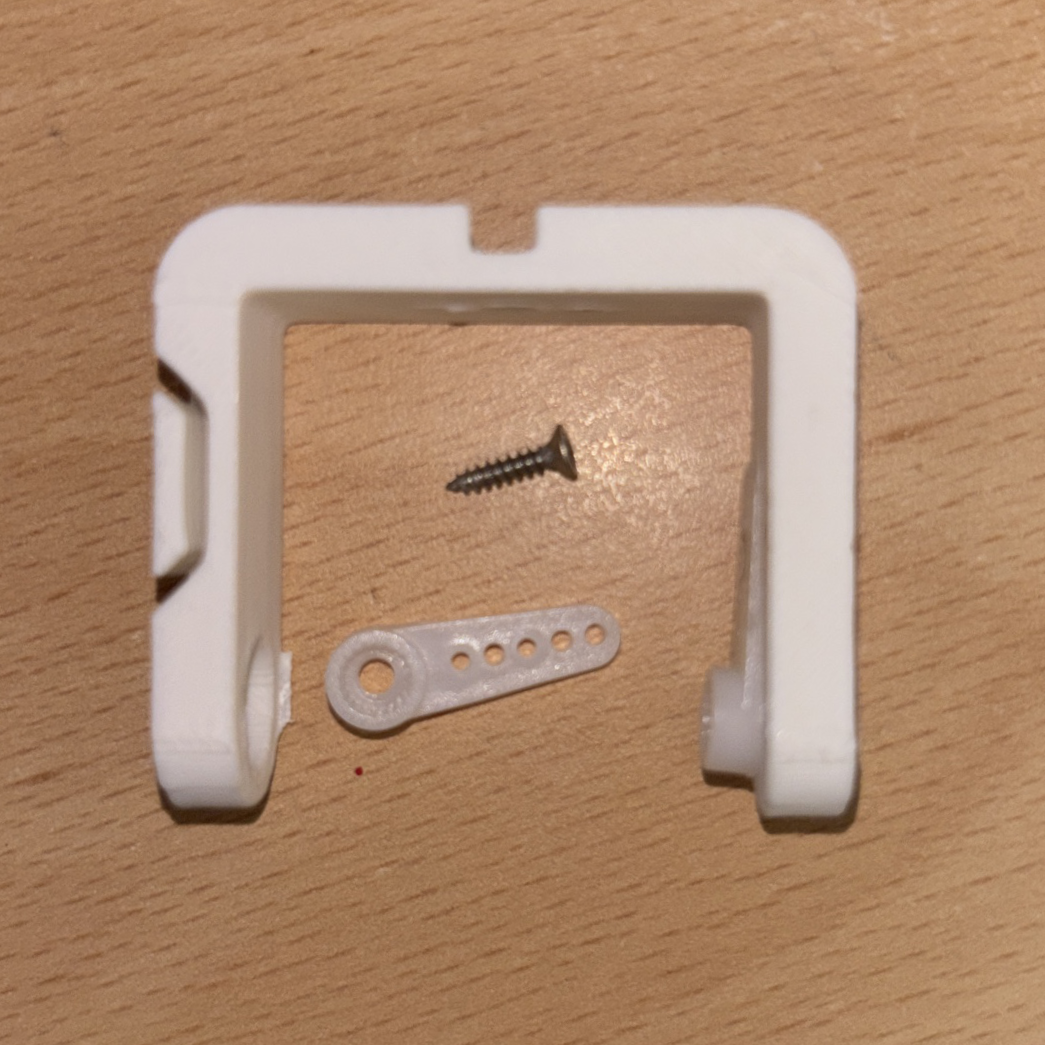
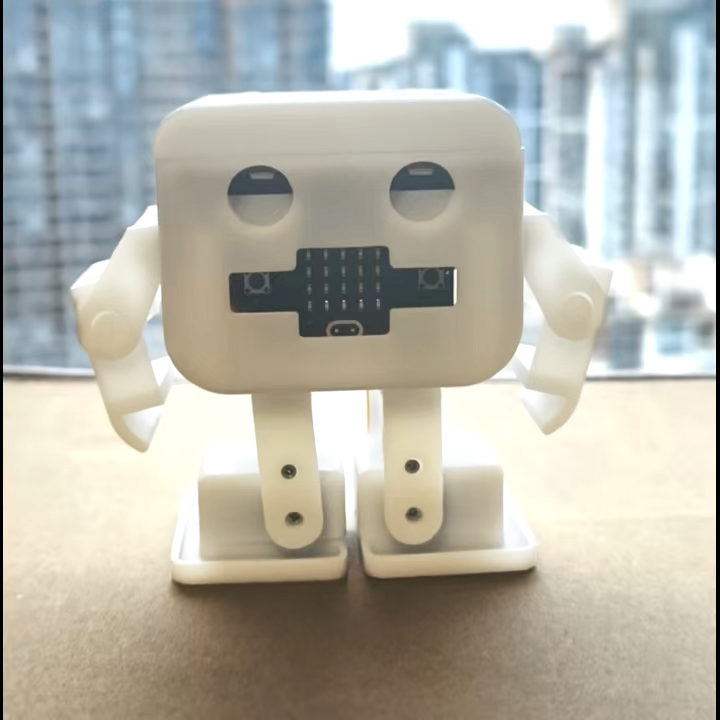
Grab the leg parts
Grab the leg and connector
Add an Ankle
Ask a grown-up Put the ancle connector into the slot inside the leg, so it is flush on both legs
Tip: This requires a lot of force to securely get in. Please ask an adult if you struggle
Get the leg parts
Grab the legs, 2 connector and 2 flat headed screw
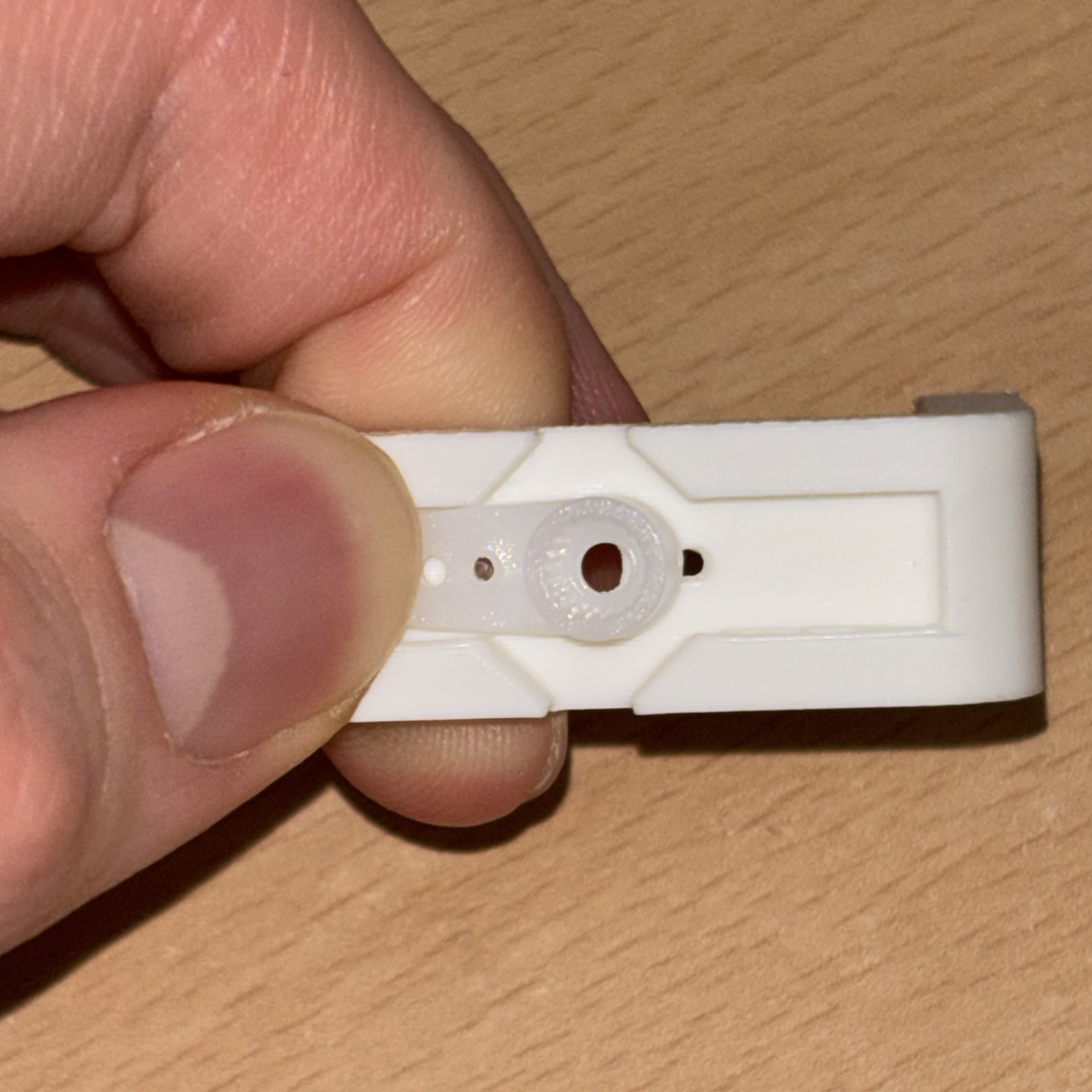
Align the joint
Place the connector into the top of the leg. Ensure the holes align and ensure you have the ramp side of the connector facing down.
Combine the joint
Combine the two pieces by screwing a flat headed screw into the closest hole to the left of the main center hole
Finish both legs
Repeat steps 1 to 5 for the other leg, so you have two legs with the connectors screwed in
Fip the bot
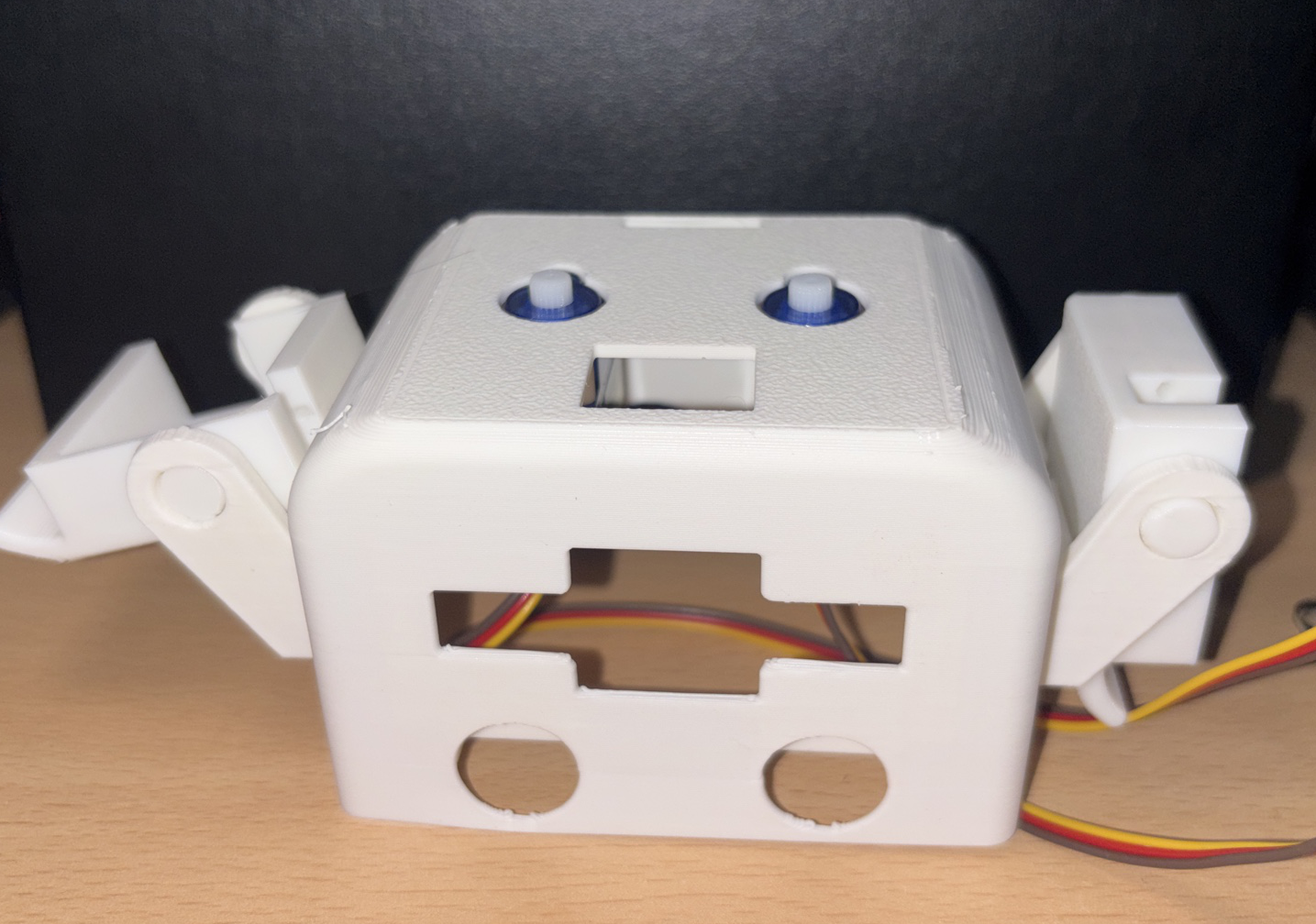
Turn the robot upside down
Tip: This makes it easier to install the legs
Connect the legs
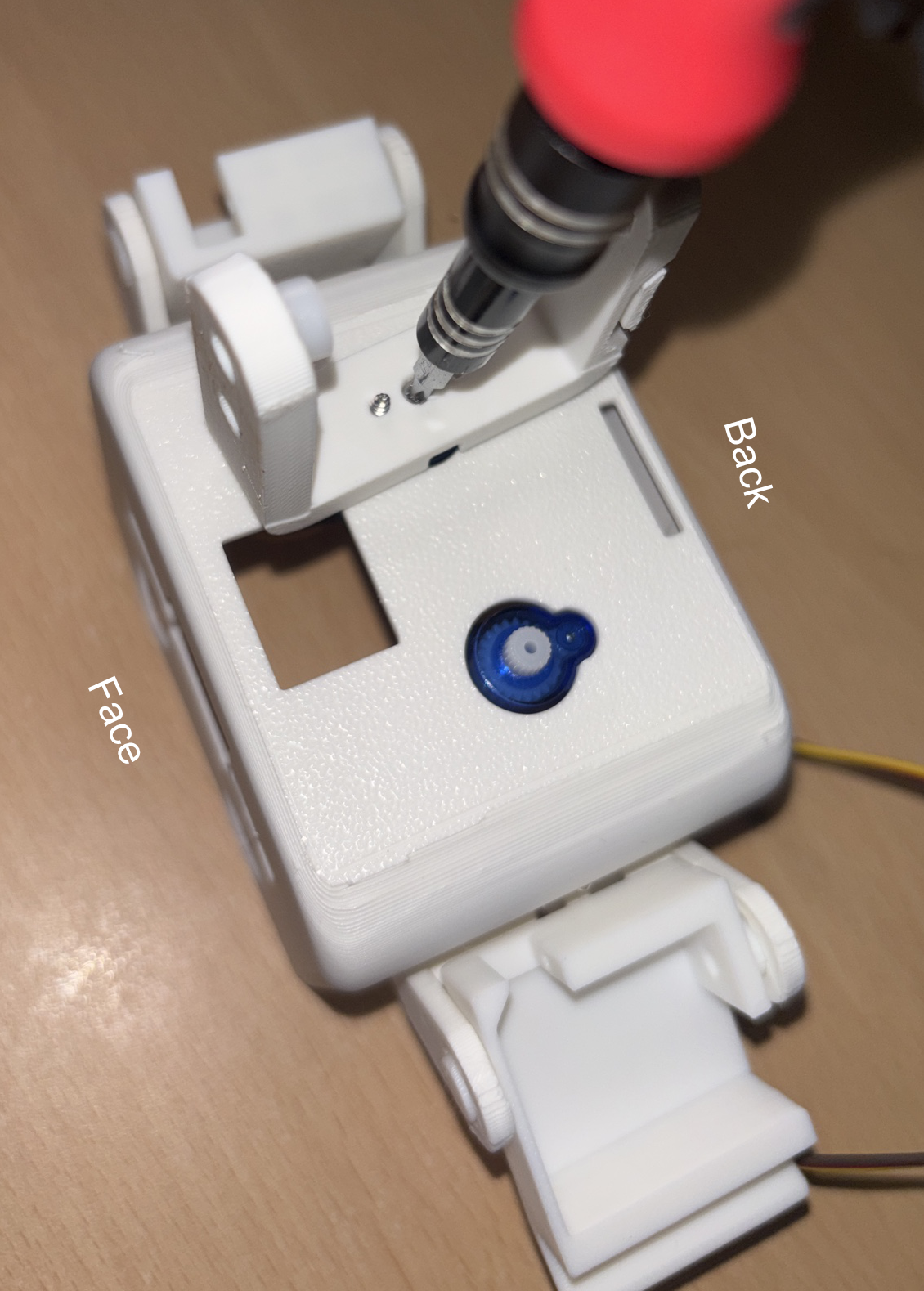
Place both legs onto each servo leg straight
Check: the circular hole is facing the back (Away from the bot's face)
Screw the legs in
Put a small screw int the center of the leg and screw it in
Check: the leg should still turn without being pulled out (with gentle force)
Build the feet
Let's start building the feet, to let our bot wadel
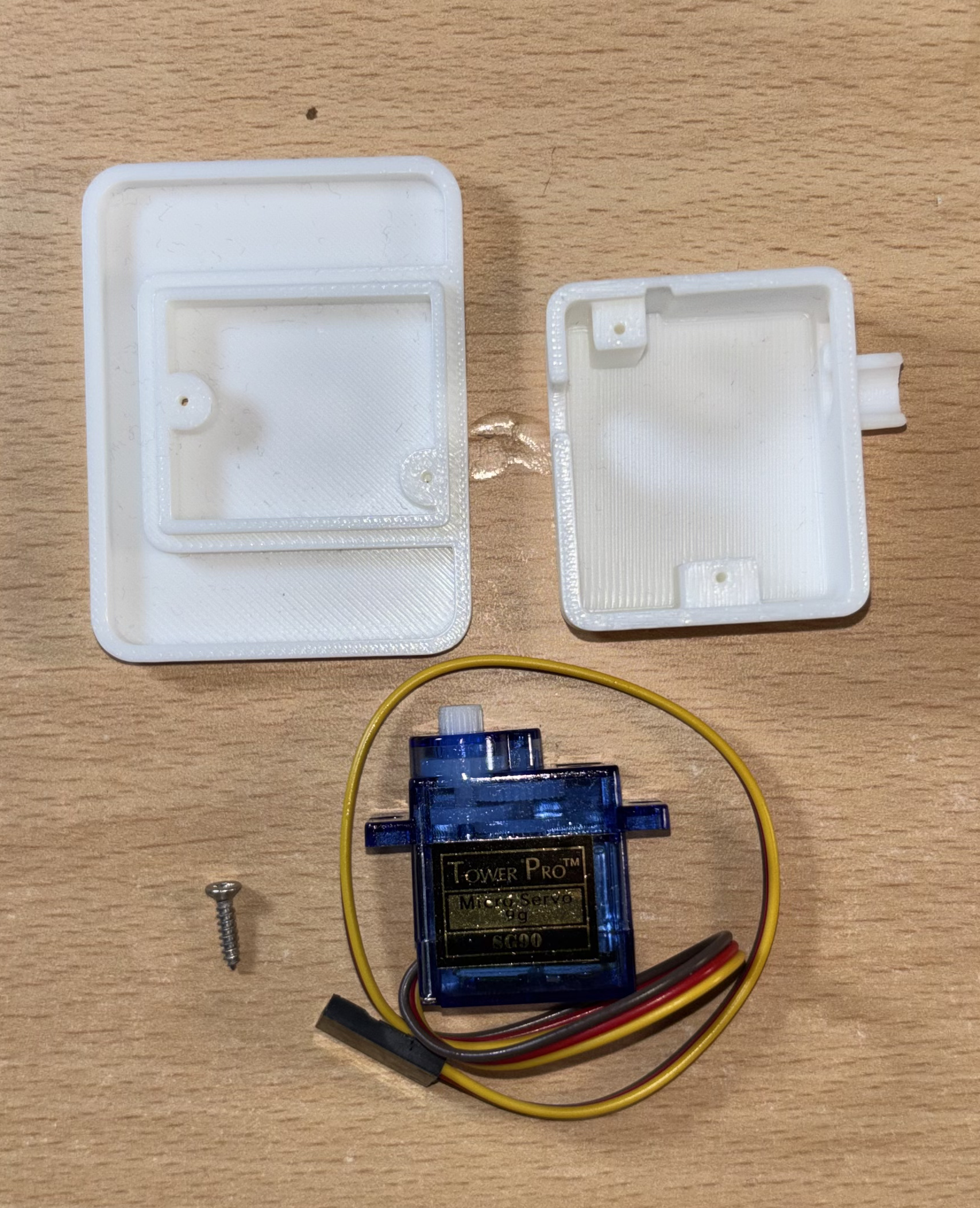
Get the pieces
Next we need to grab 2 servos, 2 foot shells and 2 foot pads
Pass the wire though
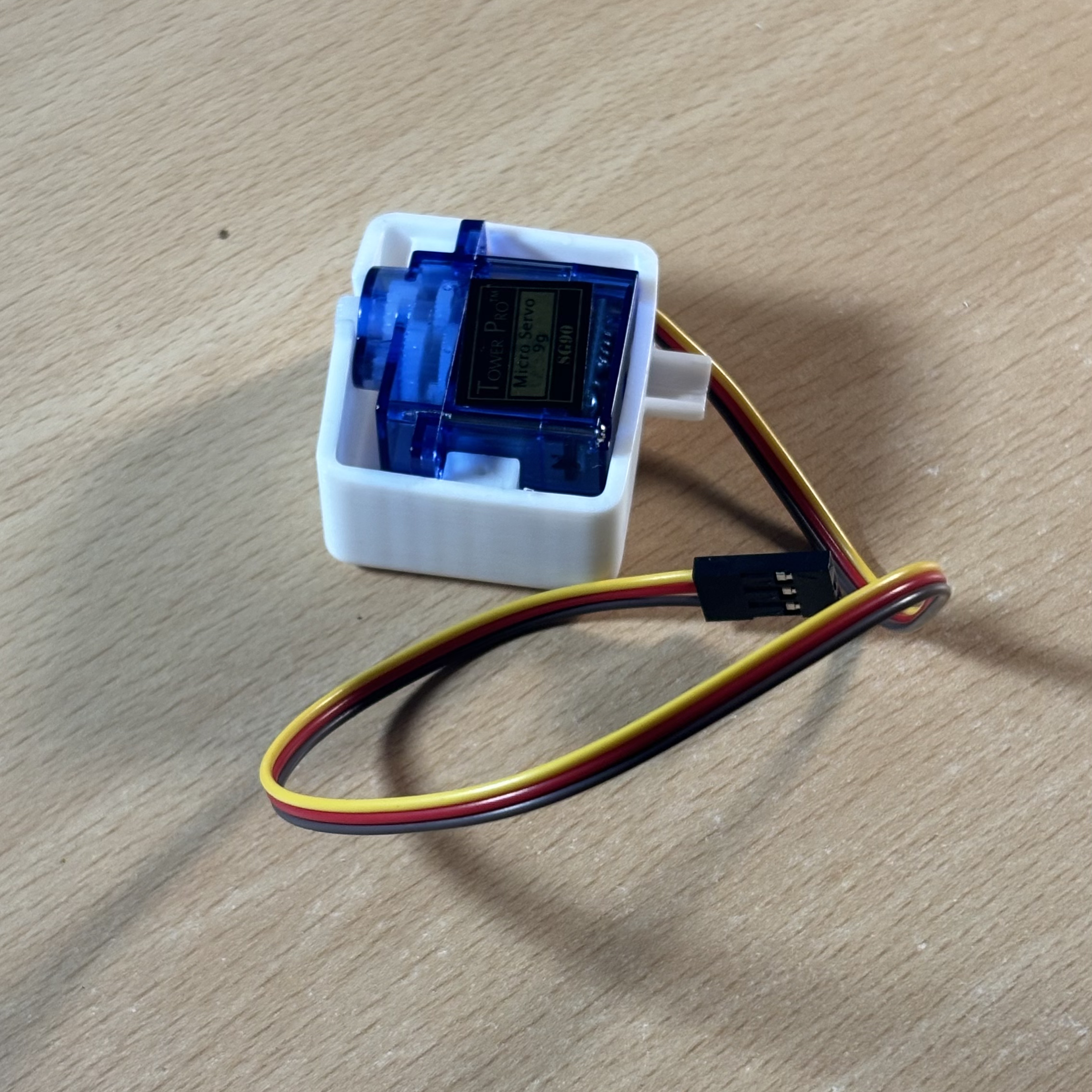
Pass the servo cable through the hole in the foot shell, with the lip
Insert the servo
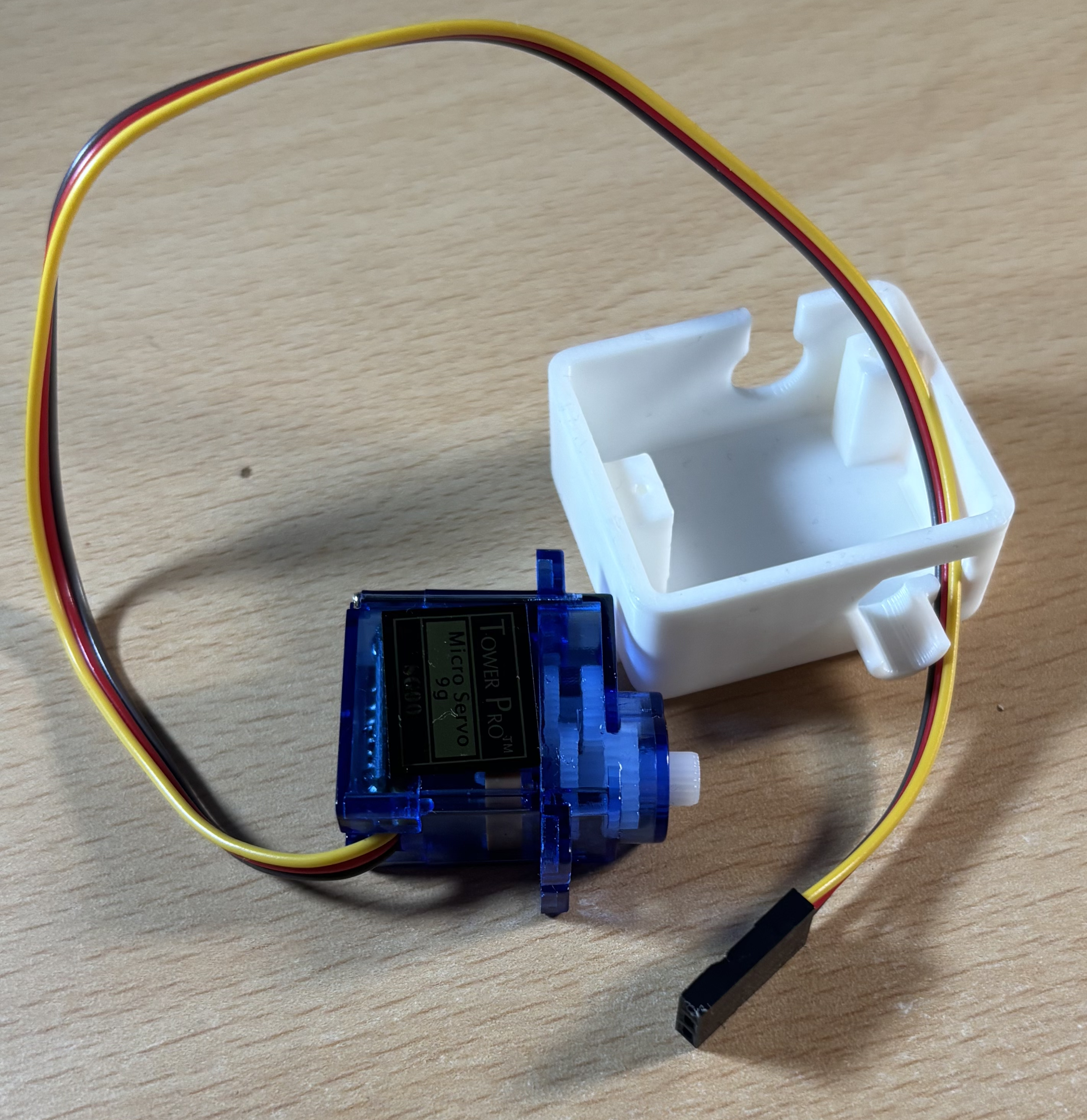
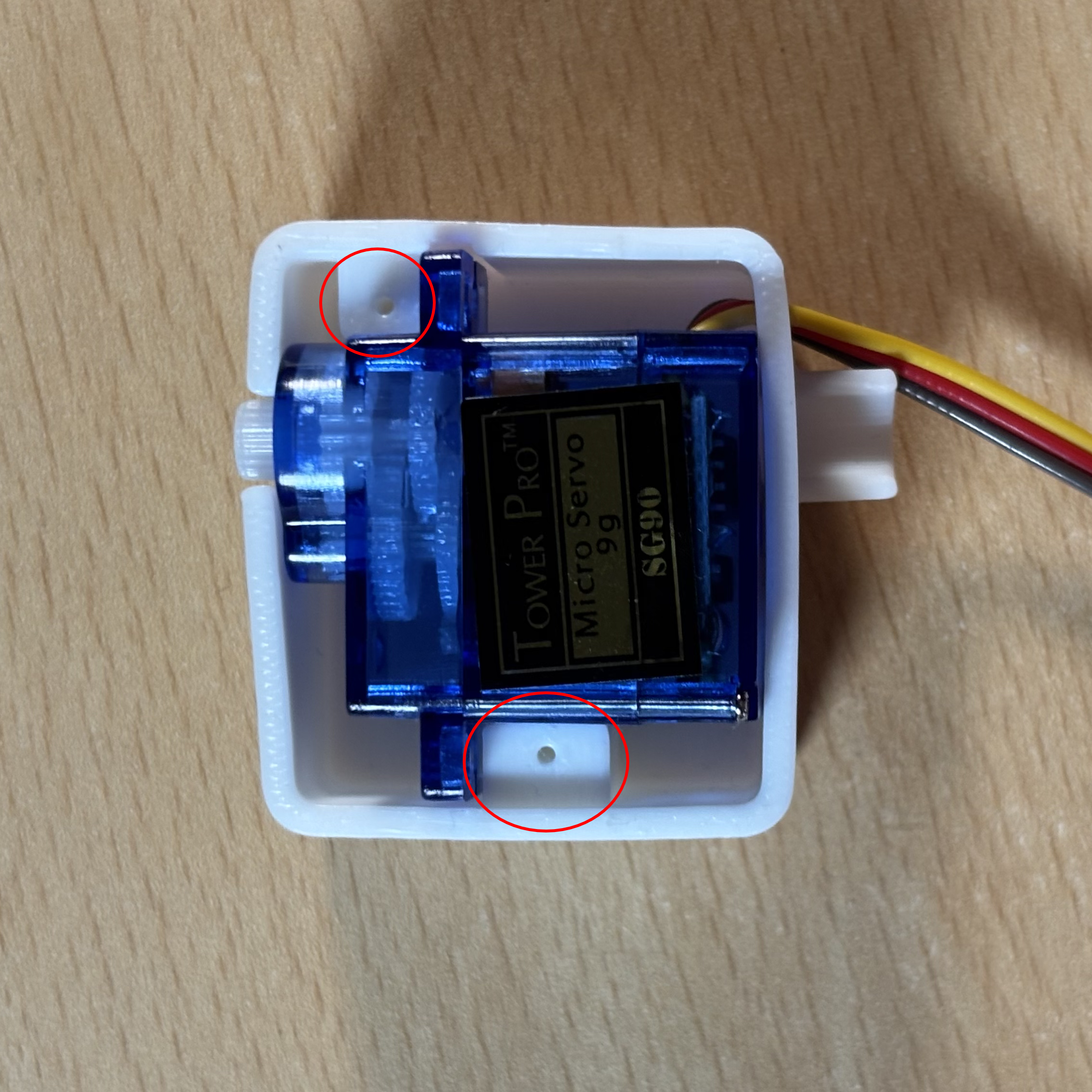
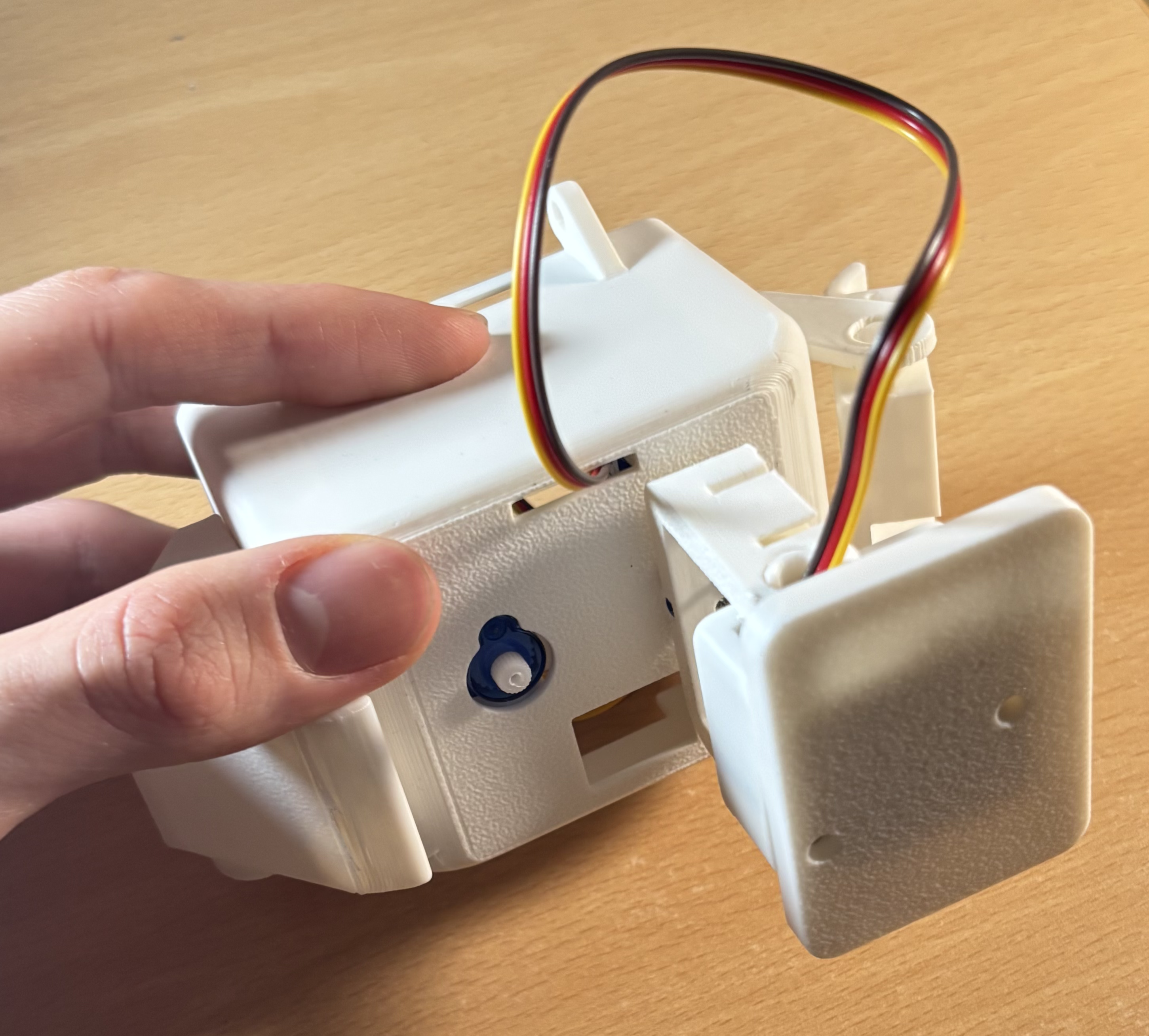
Ask a grown-up Push the servo halfway into the foot, ensuring both sides touch one of the blocks inside the foot shell
Check: the wire does not get sqwished when you push it in
Tip: this step requires a lot of force to get the servo in correctly
Check your piece is right!
Check your bot's foot looks like this before fully pushing in
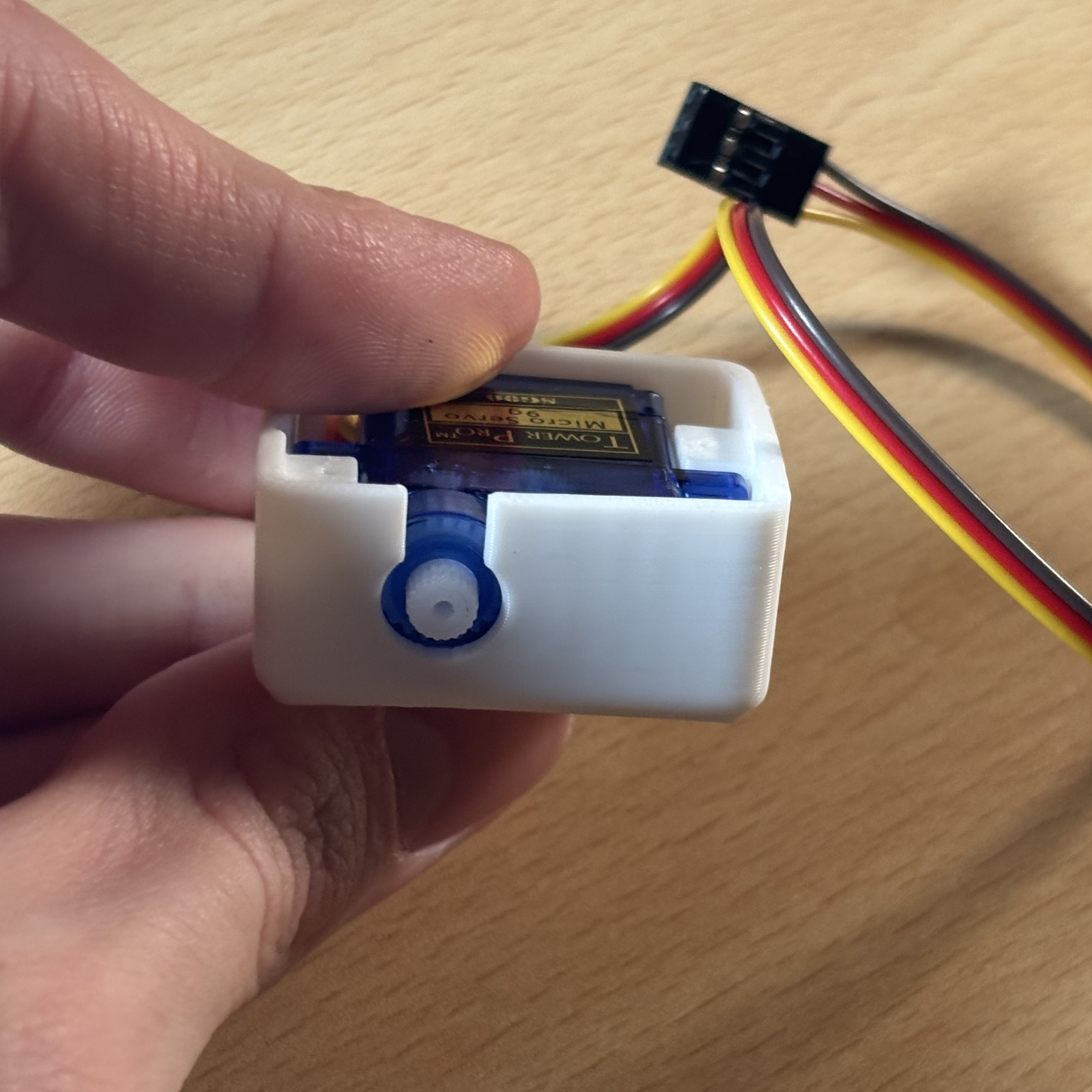
Push the servo fully in
Ask a grown-up Push the servo fully in so the white knob is in the enter of the circular hole
Complete the foot
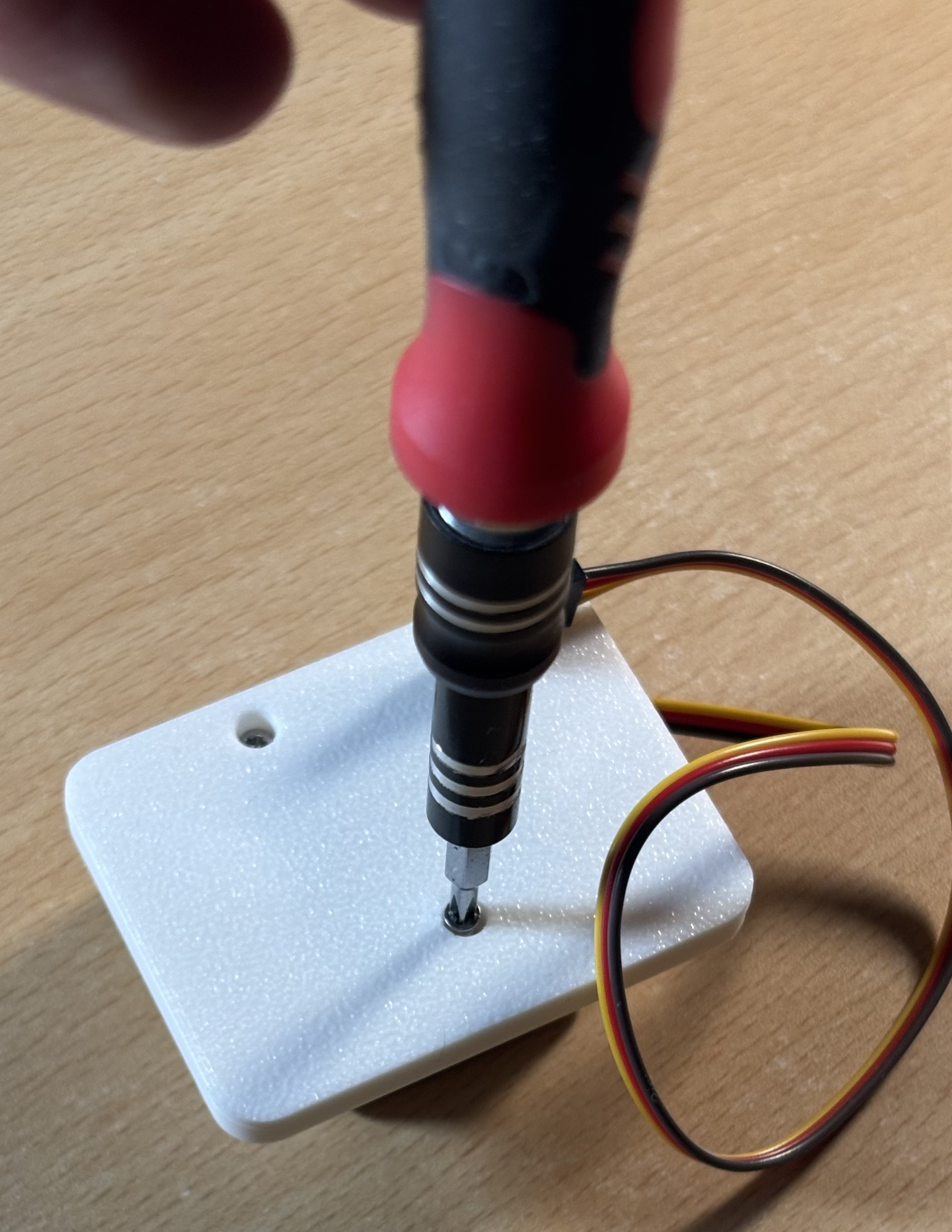
Ask a grown-up Place the foot cover onto the shell and screw them in
Check: the screw holes match the holes on the block
Tip: when printing these peices, there may be left over material blocking the screws. Ask an adult to use an item like a screwdriver or sisors to remove it
Check the feet
Ensure both feet are completed before continuing
Insert the foot
Ask a grown-up Grab the foot's cabled and pass it through the circular hole in the leg. Then insert the foot into the leg (making sure the cable is moved to the center). Then push
Check: the wire is not squeezed when inserted
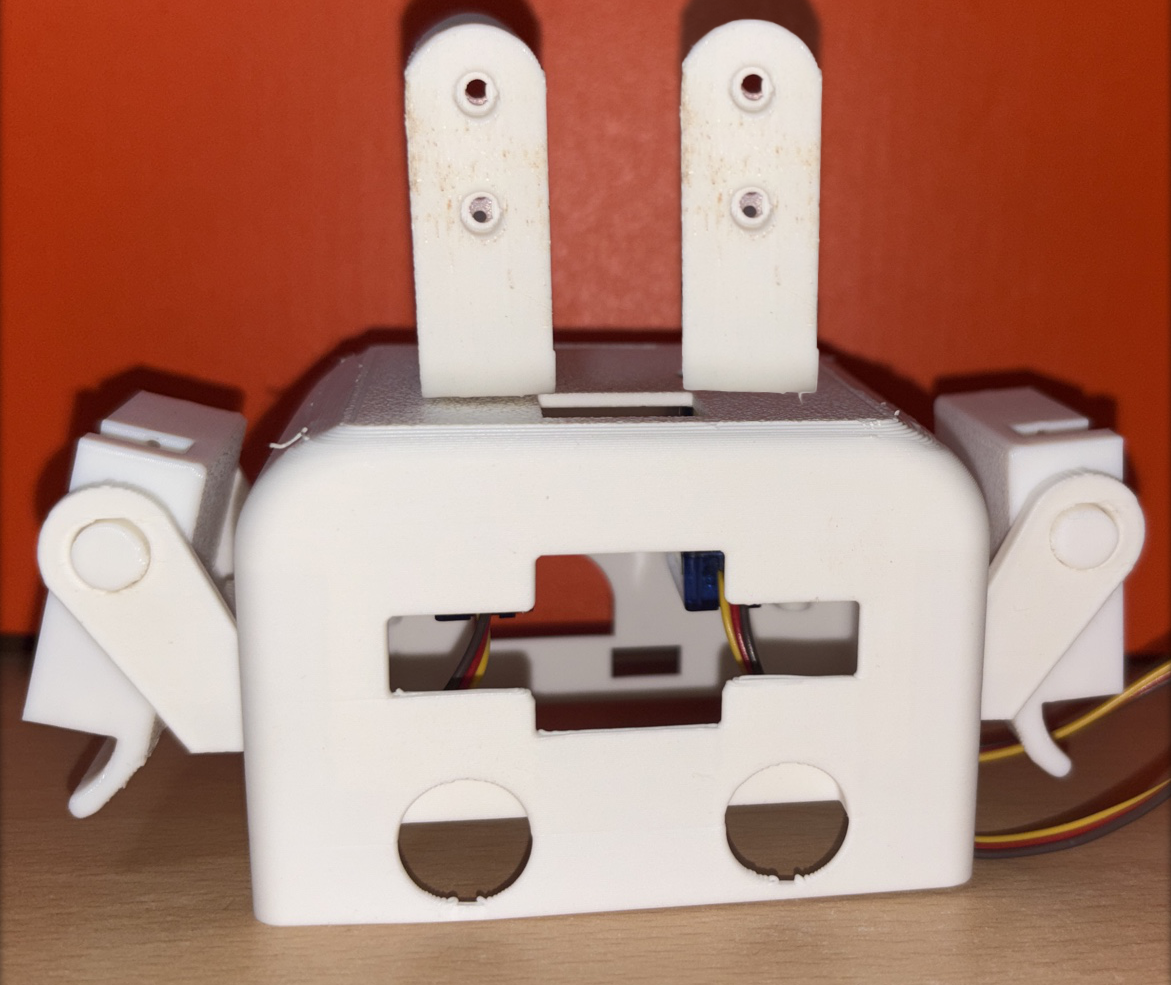
Tip: the foot should be facing out of the body
Secure the foot
Use a rounded head screw to combine the foot and leg in the lower hole
Insert cable into the body
Grab a foot and pass the cable through the back bottom hole of the body
Secure the cables
Push the cables into the slits on the back of the leg
Check: make sure to have a bit of wiggle room between the ankle and the wire
Tip: this ensures the wires are safely secured
Connect the feet servos
Turn the robot so it face is away from you. Then connect the left leg to S4 and the right leg to S2
Tip: this ensures the wires are safely secured
Go to MakeCode
Go to a web browser (Not Safari) and enter
https://makecode.microbit.org/ into the URL bar at the top of the window.
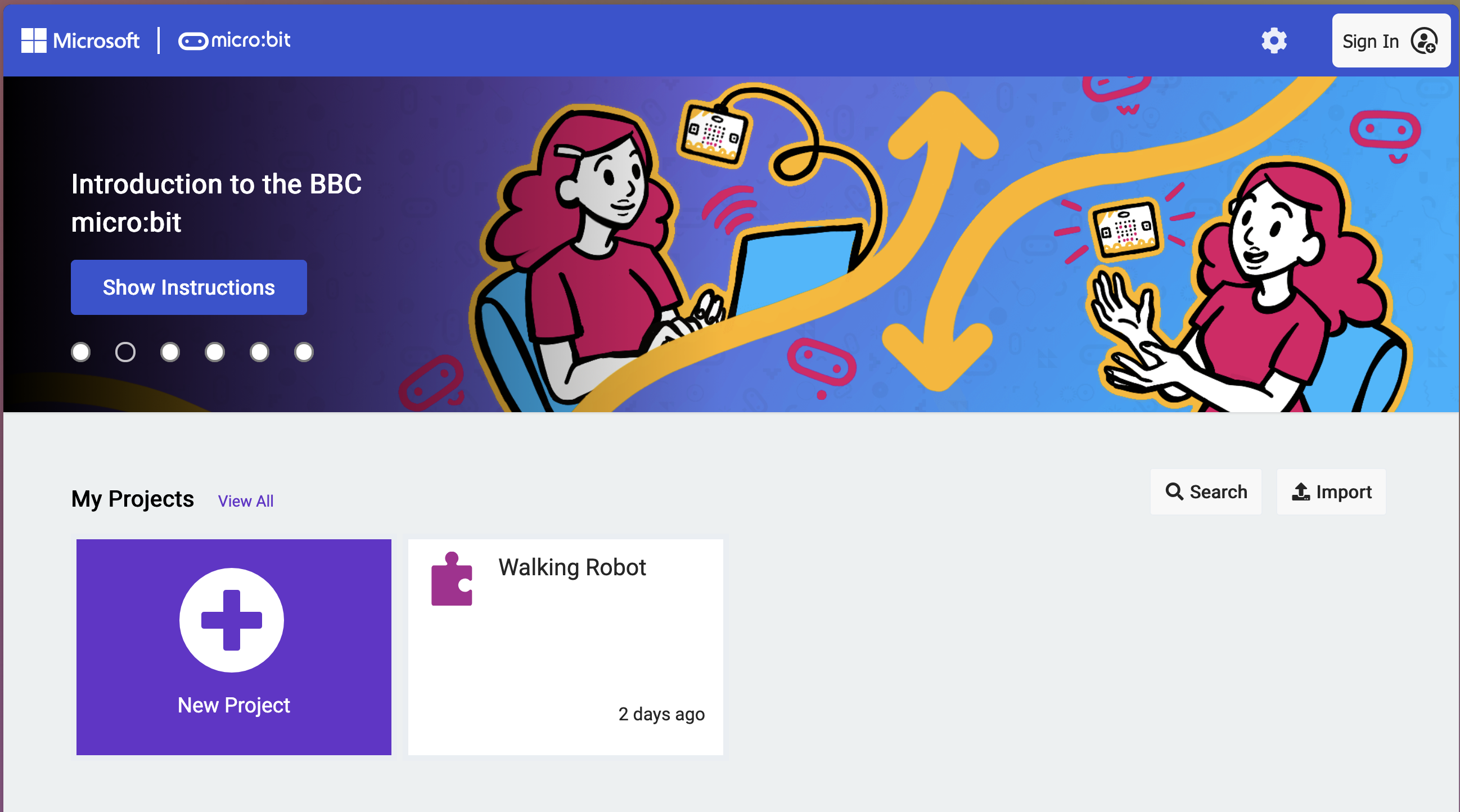
Then click the 'New Project' button
Tip: If you want to access this code on other devices, make sure to press the 'Sign In' button on the top right
Open the code project
Open the '
Walking Robot' project you made in
stage AAdd more angle blocks
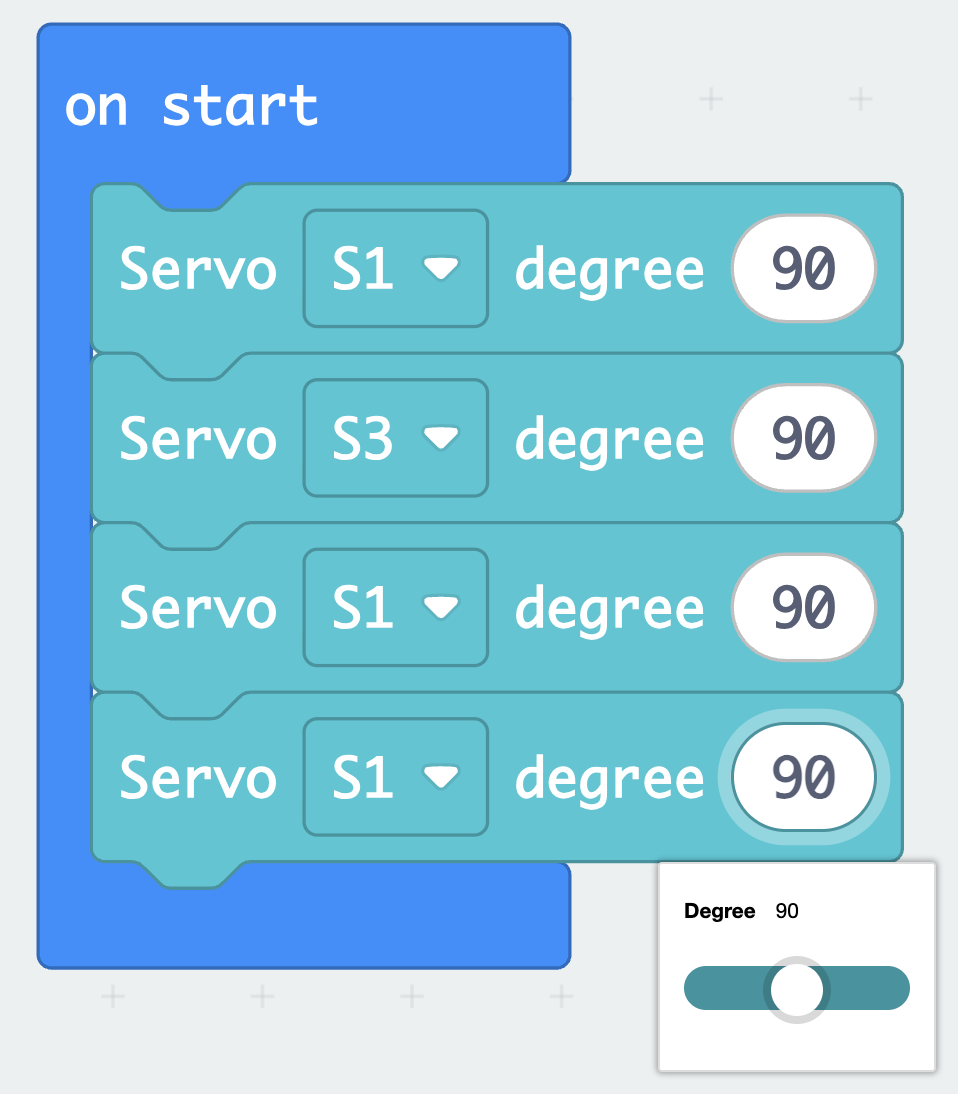
Grab 2 more set angle blocks. Add then to the end of on start
Tip: Try clicking on the block already in the start block (till it has a yellow highlight), then hold the CTRL or CMD key with the C key.
Then press V while still holding the CTRL or CMD key
Reset servo angles
set all the blocks to 90 degrees
Plug in the Micro:bit
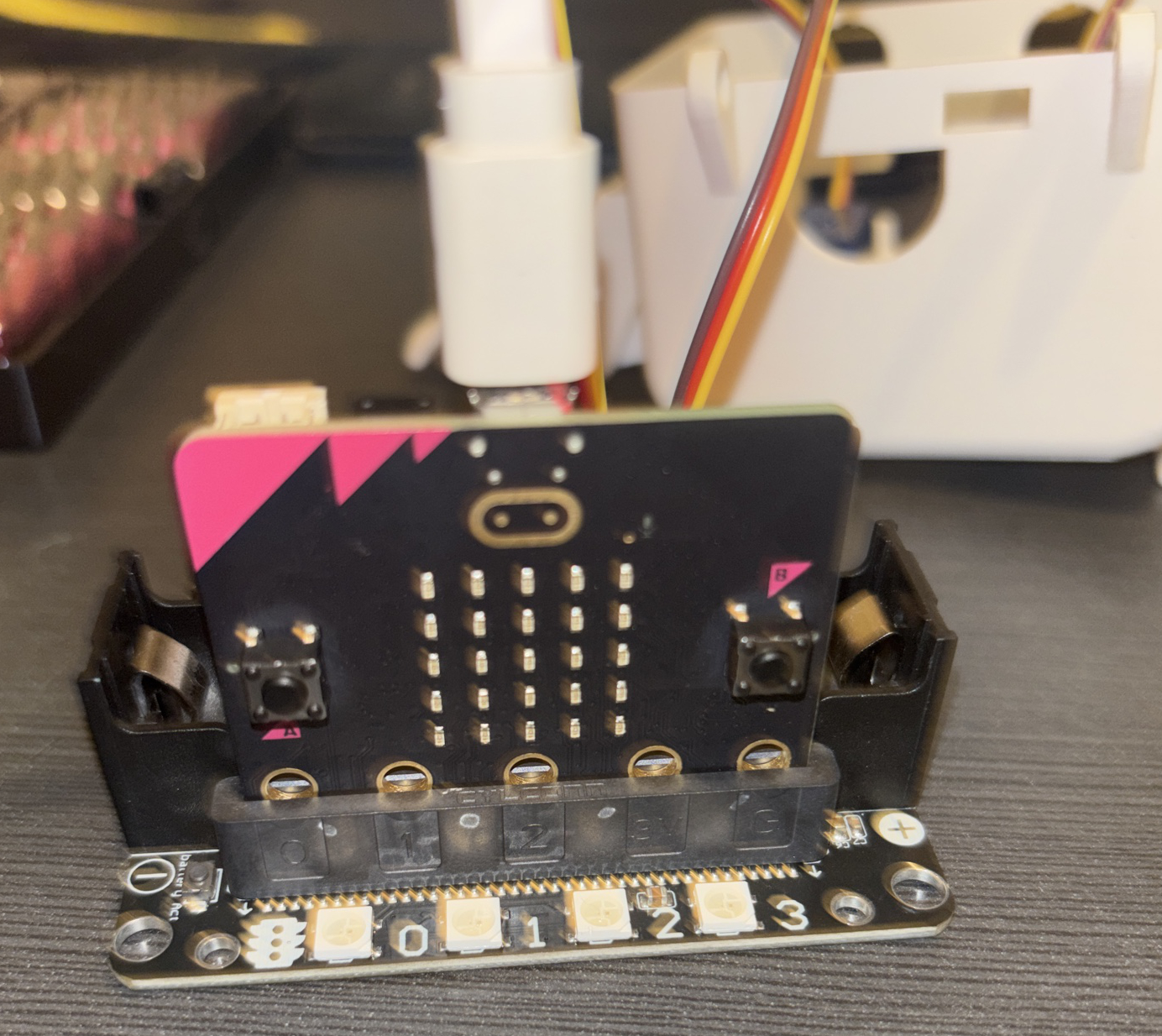
Grab the USB cable and plug it into the Micro:bit and your device
Download the code
Click the download button on the bottom left of your screen.
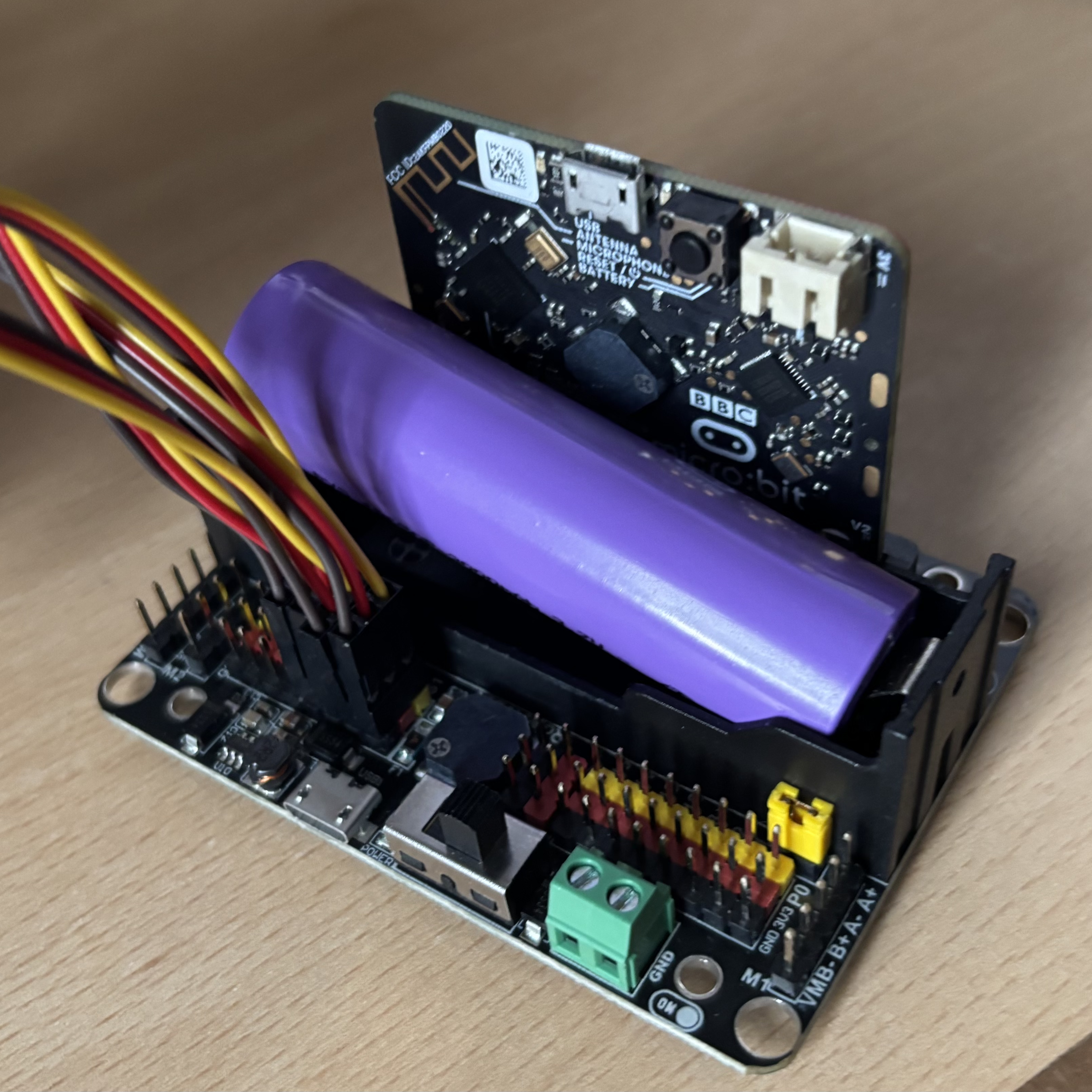
Insert the battery
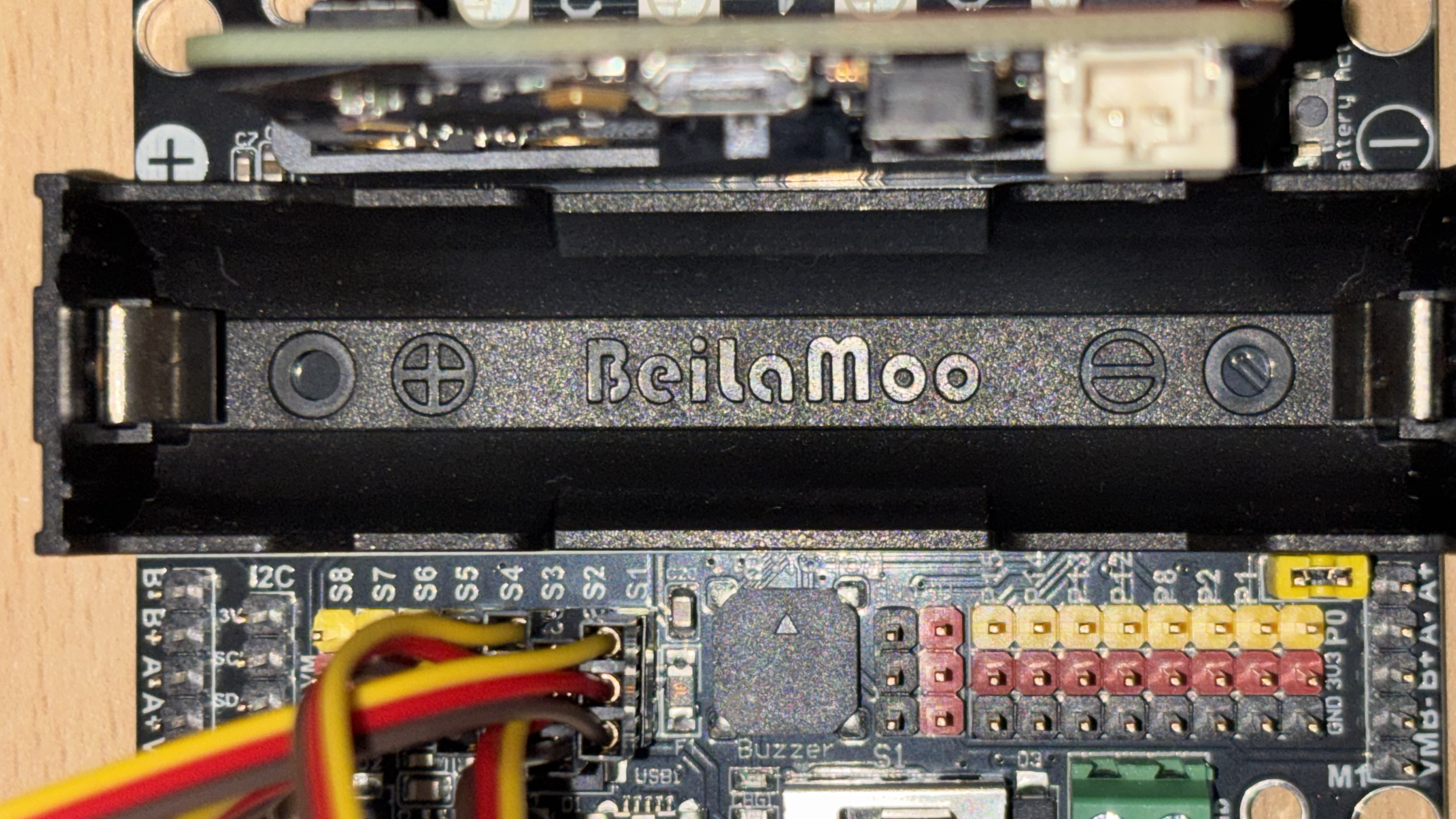
Insert the battery into the Robot:bit, making sure the positive (+) is touching the positive (+) side of the battery, and the same with negitive (-)
Check: the Robot:bit and battery for the plus (+) and minus (-) signs, then match them
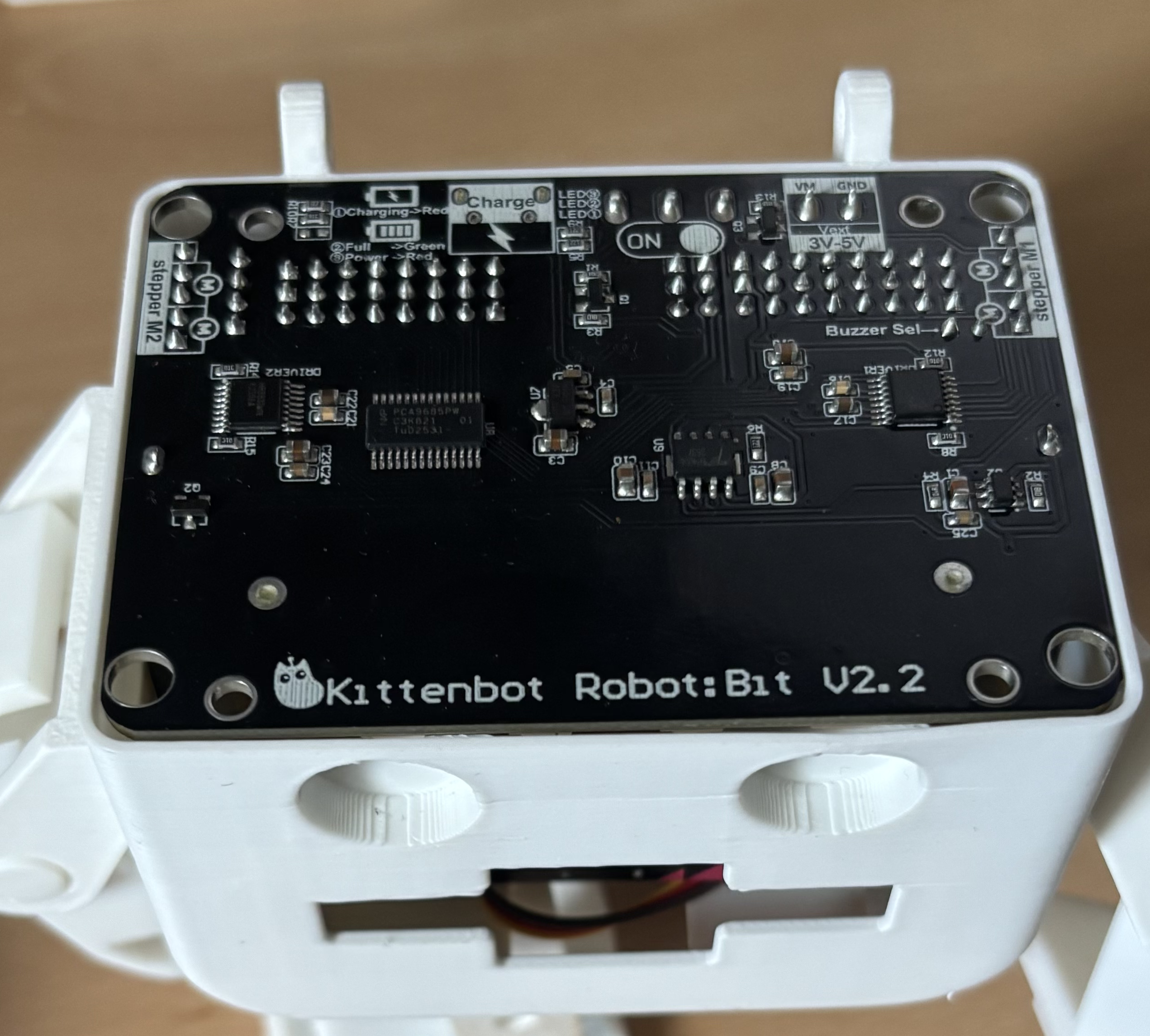
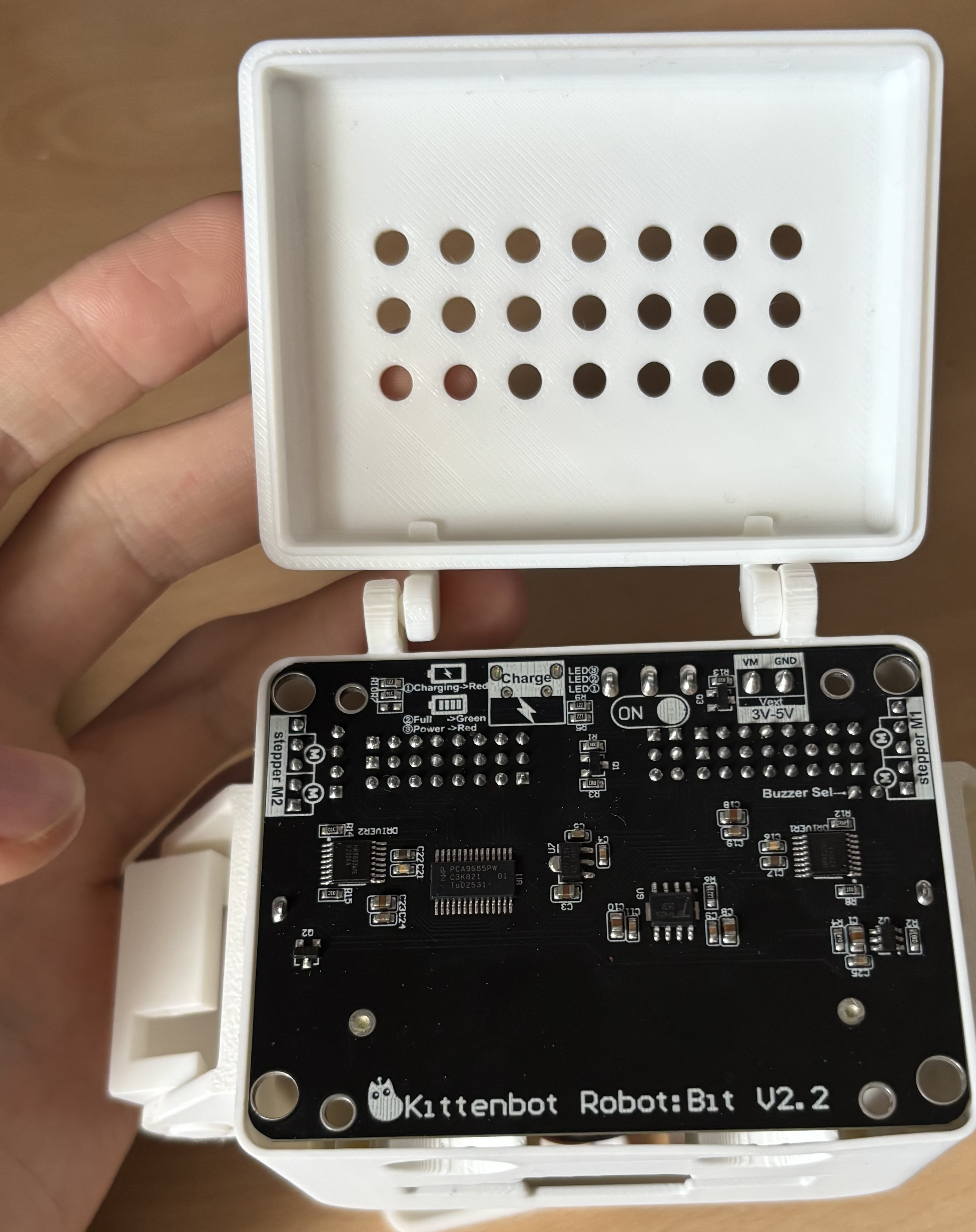
Insert the Robot:Bit
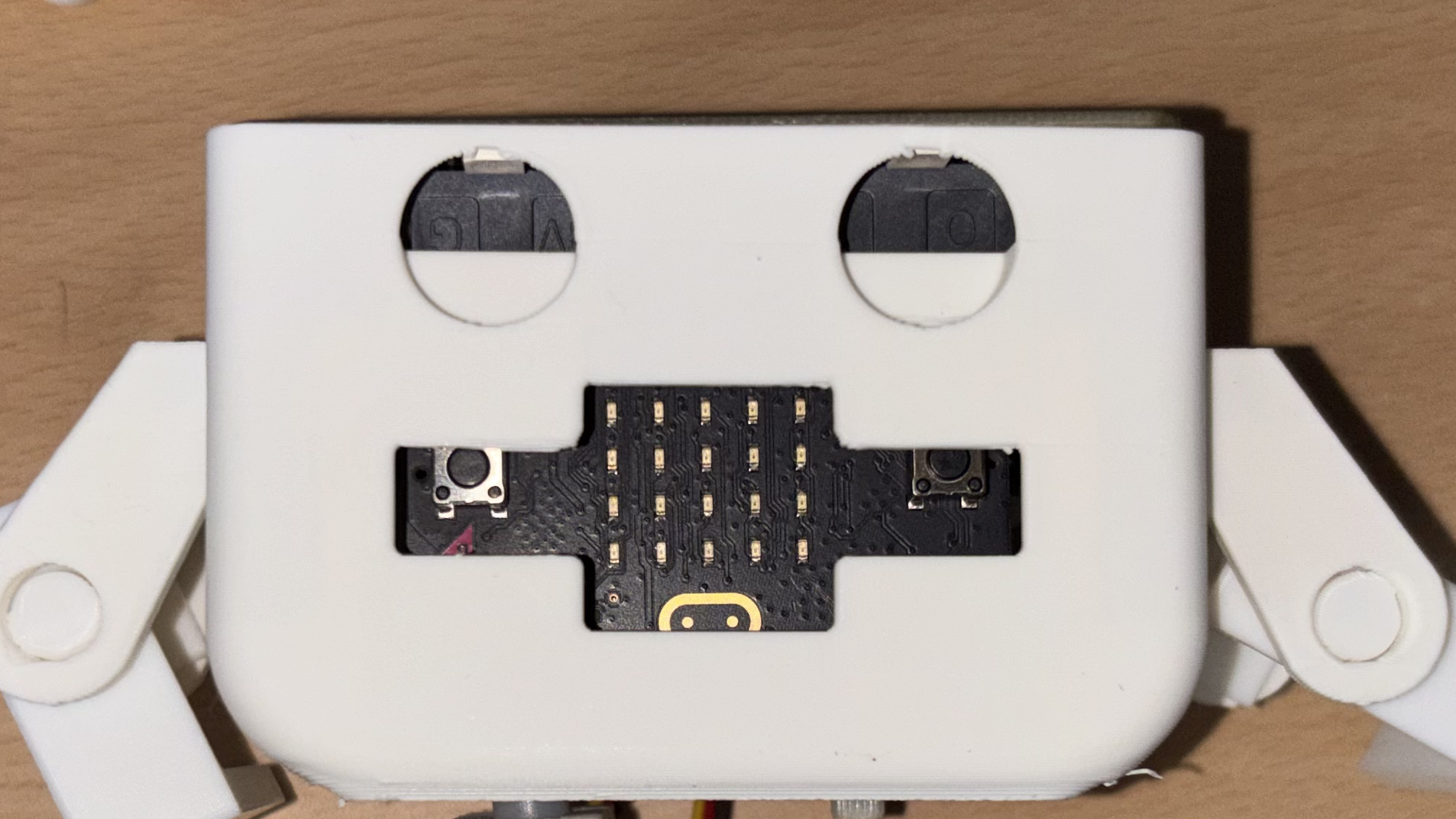
Grab the Robot:Bit and put it into the body upside down so the microbit is in the face
Add the lid
Grab the lid and insert it between the raised peices at the back of the body
Turn it on
Flip the switch on the back of the bot, though the hole and hear the servos work.
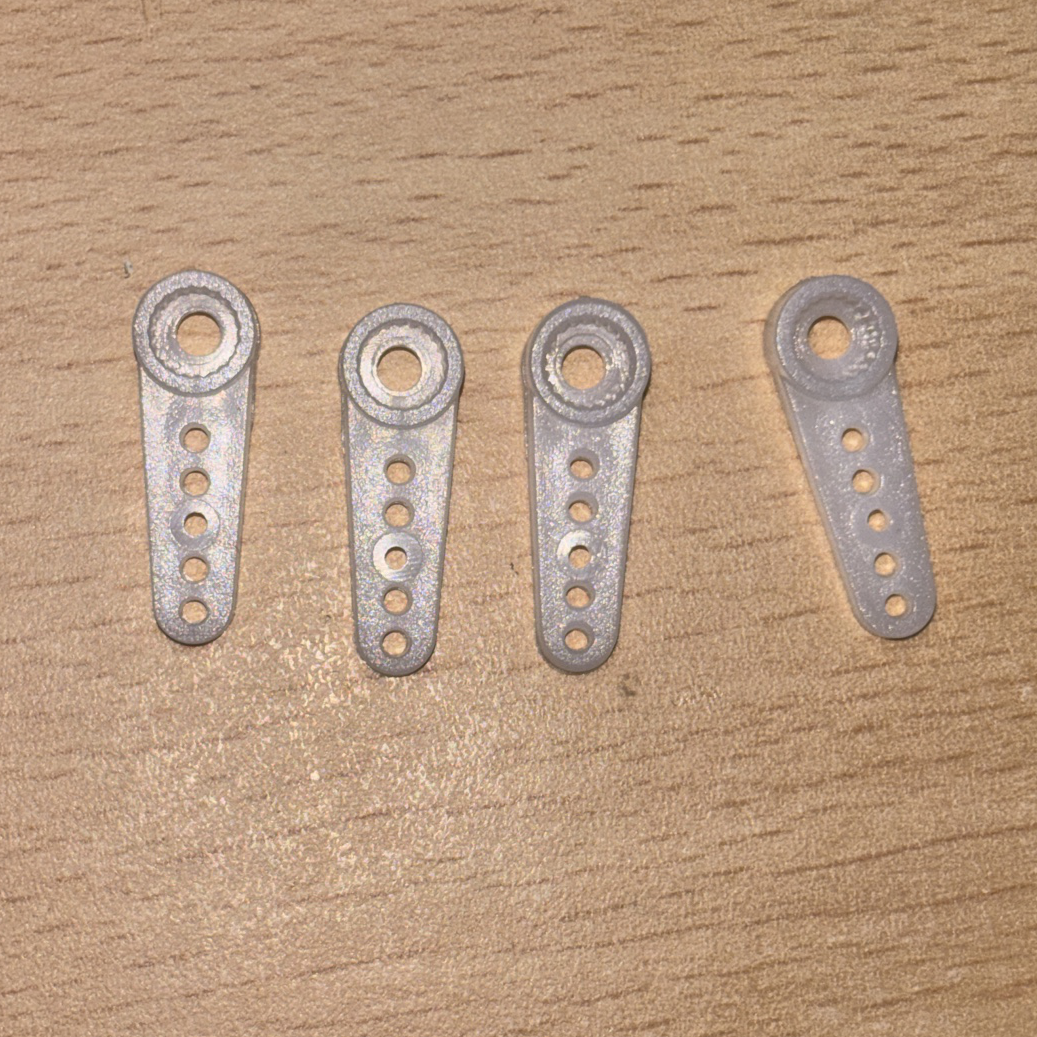 Connectors
 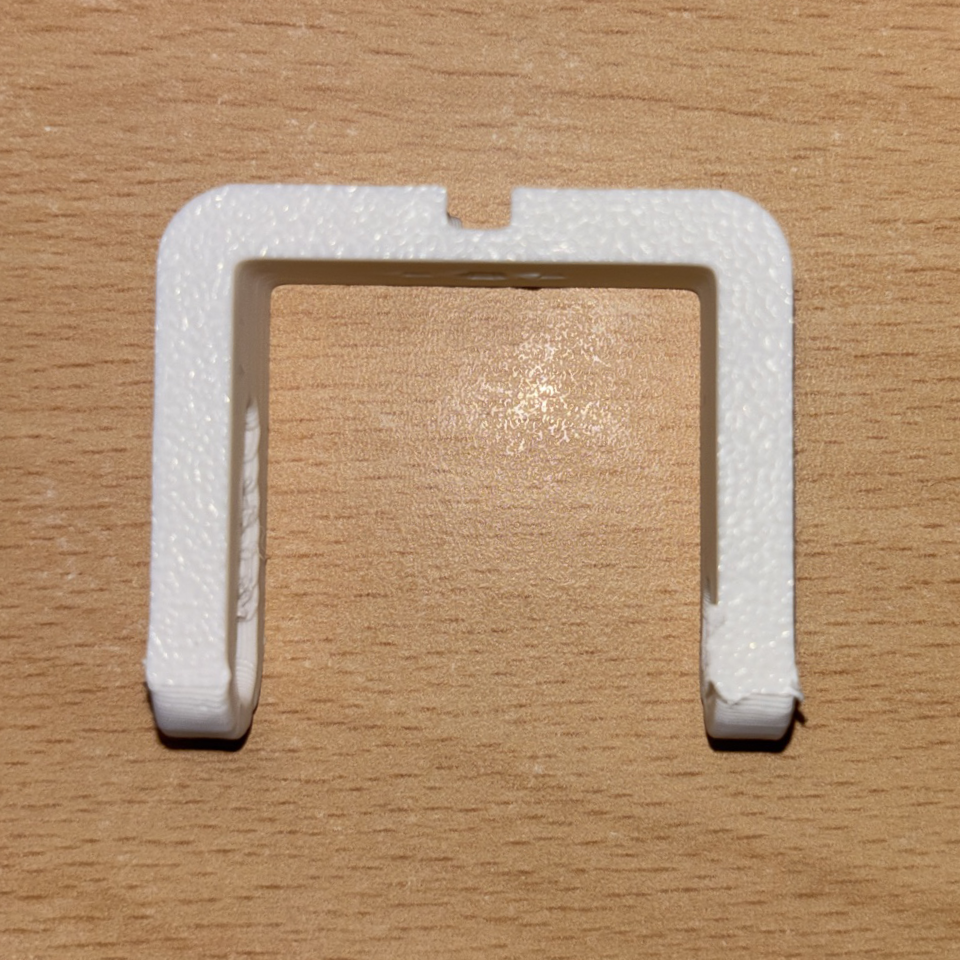 Leg
Leg 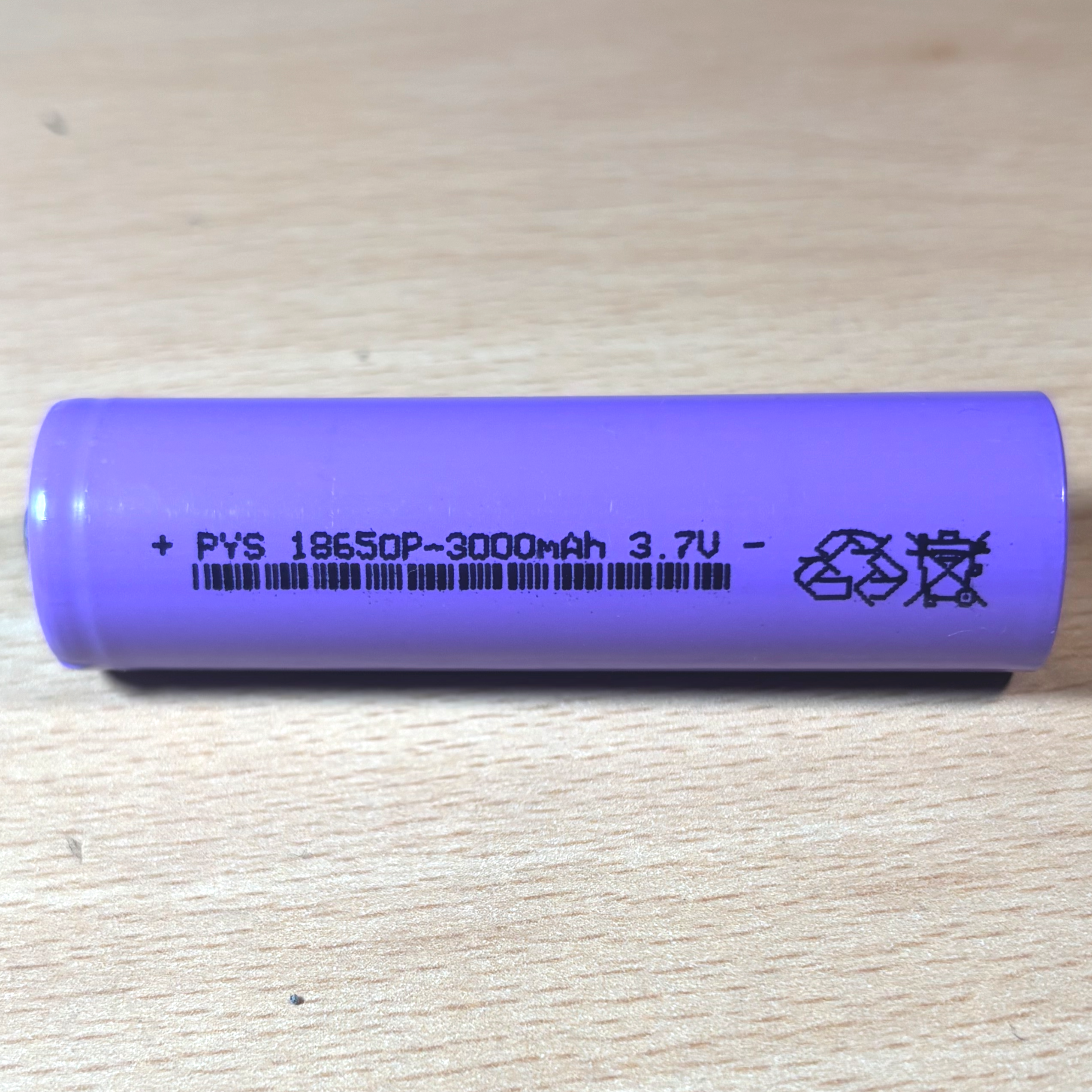 Battery