Get started
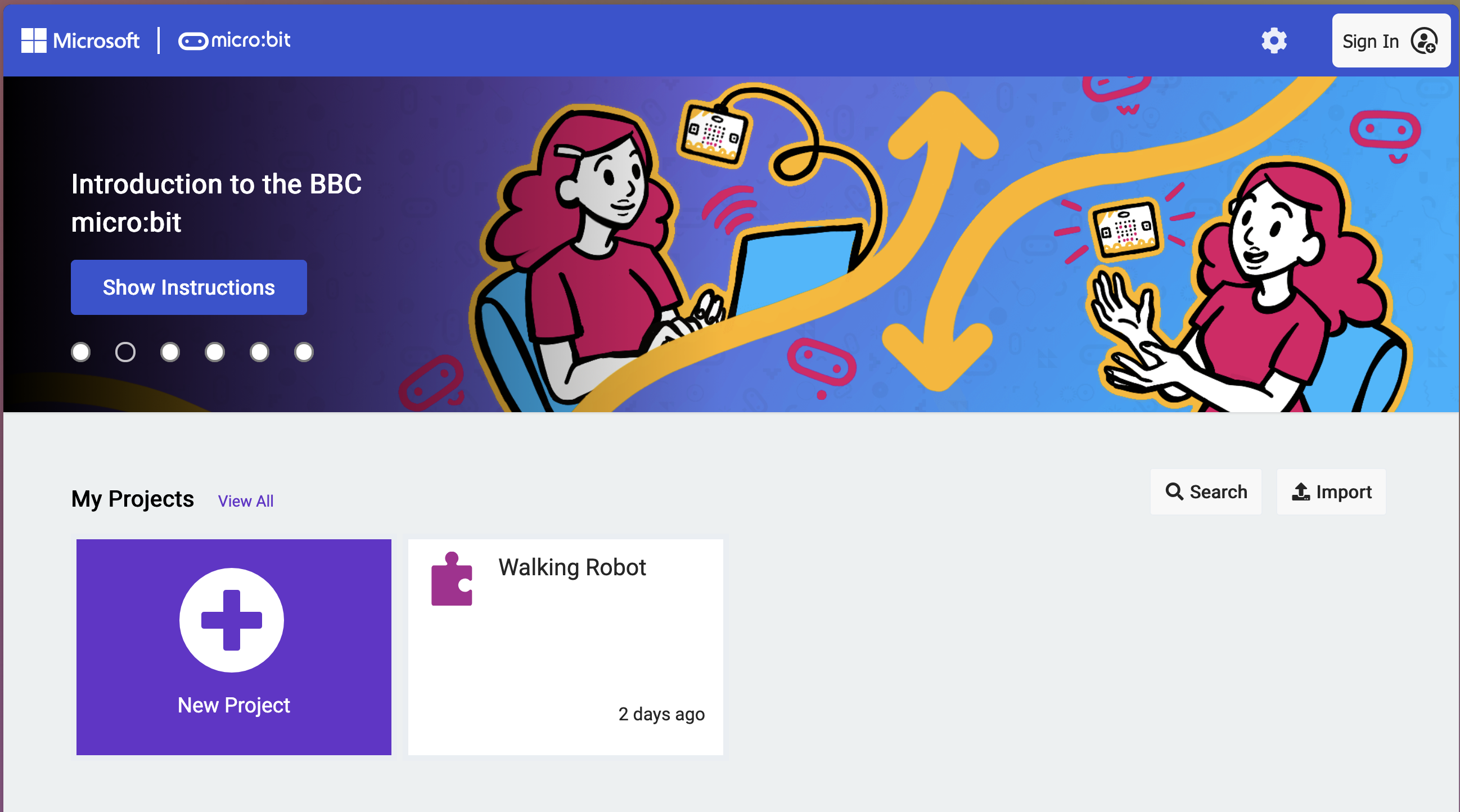
Open importer
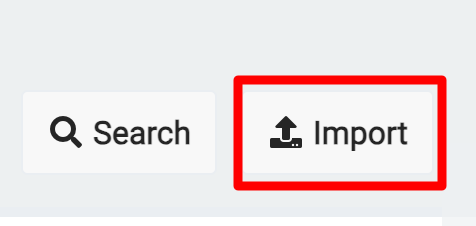
Click the Import button on the right side of the screen
Download the program
Import base code
Select Import File..., then choice file. Select the the file downloaded above.
What is a function?
A function is a set of code which can be called repeatively by name.
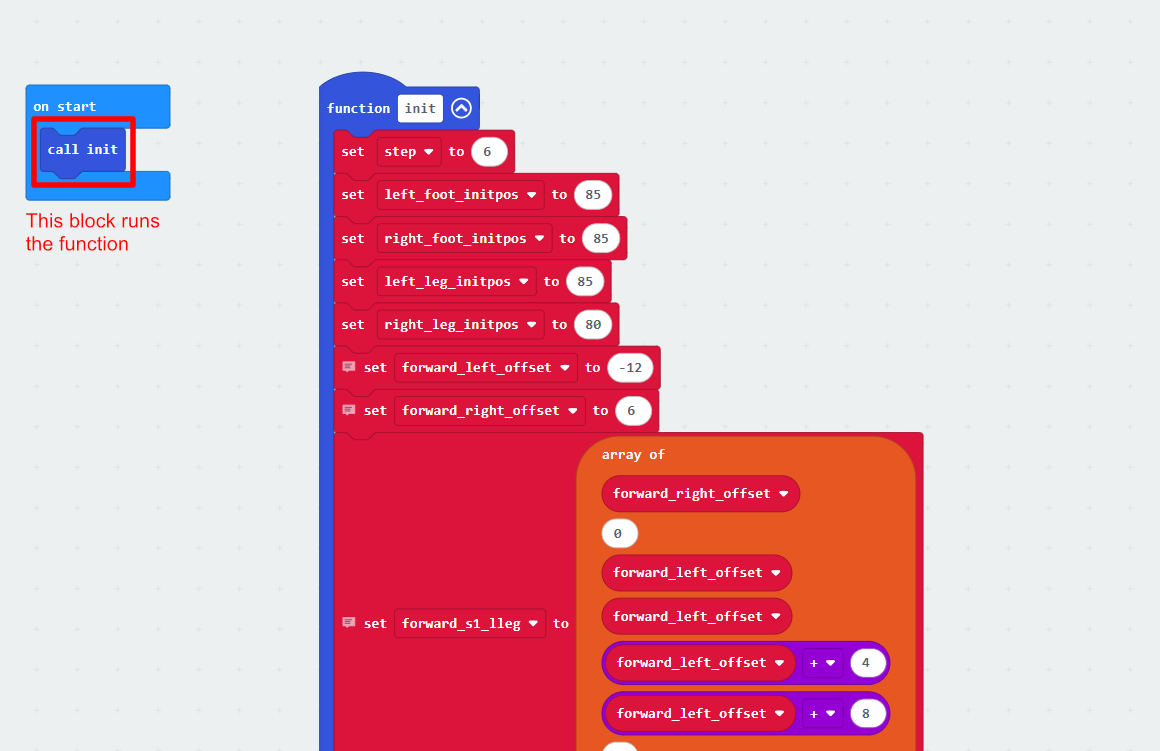
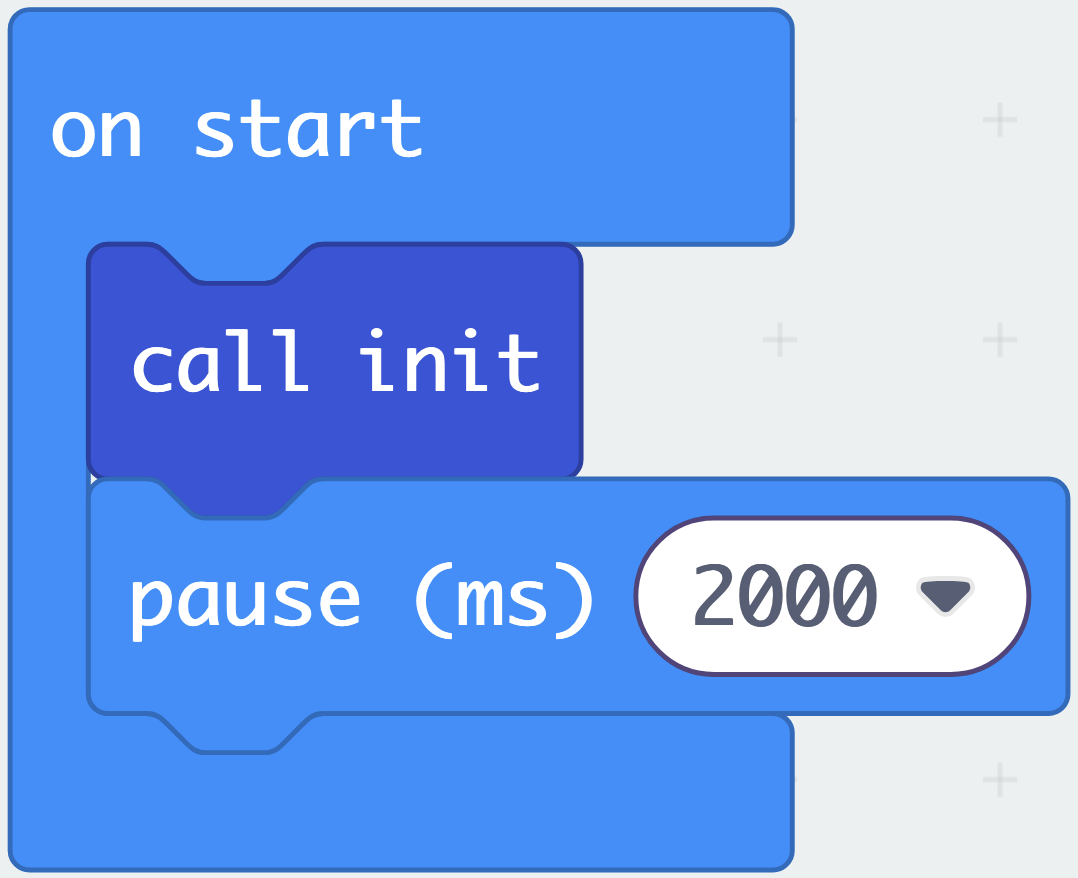
The image shows that when the program starts in the on start block, it calls the init function which runs a bunch of setup code
Find offsets
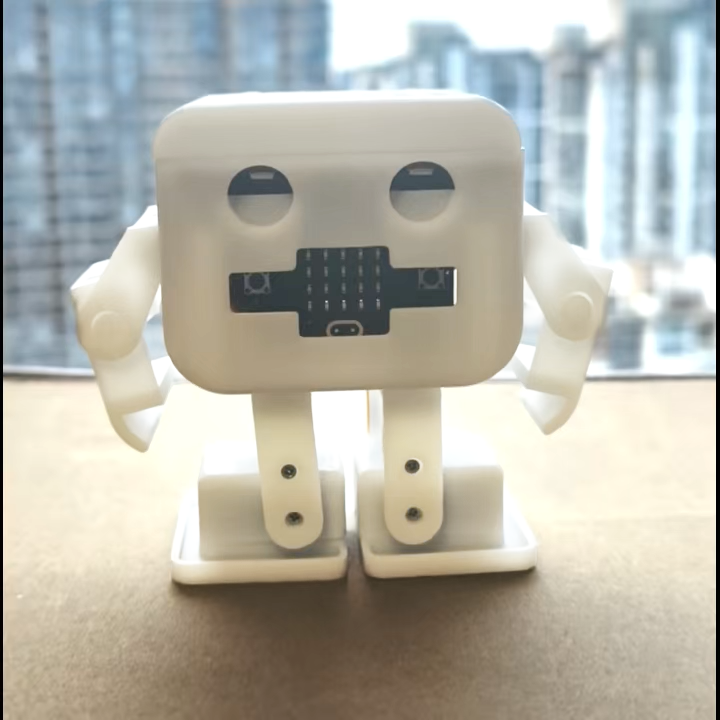
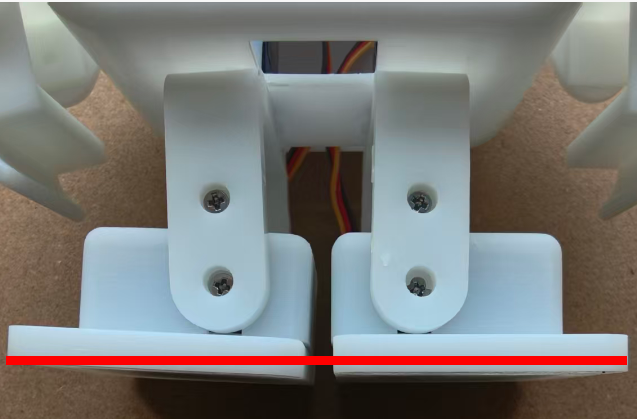
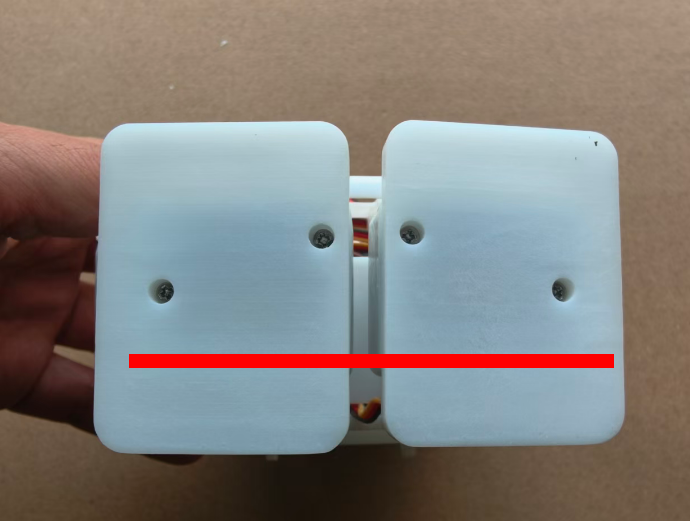
Now you'll need to change the init variables to correct for any errors. Change a value, then load it onto the microbit until your bot looks like the image.
Do this for
- left_foot_initpos for the left foot
- left_leg_initpos for the left leg
- right_foot_initpos for the right foot
- right_leg_initpos for the right leg
Tip: Make sure to keep a copy of the init values, as they are easily lost and are important for the coding projects
Add a pause
From the Basic draw, grab a pause (ms) block and put it at the end of on start. Then change the value to 2,000
Move a step
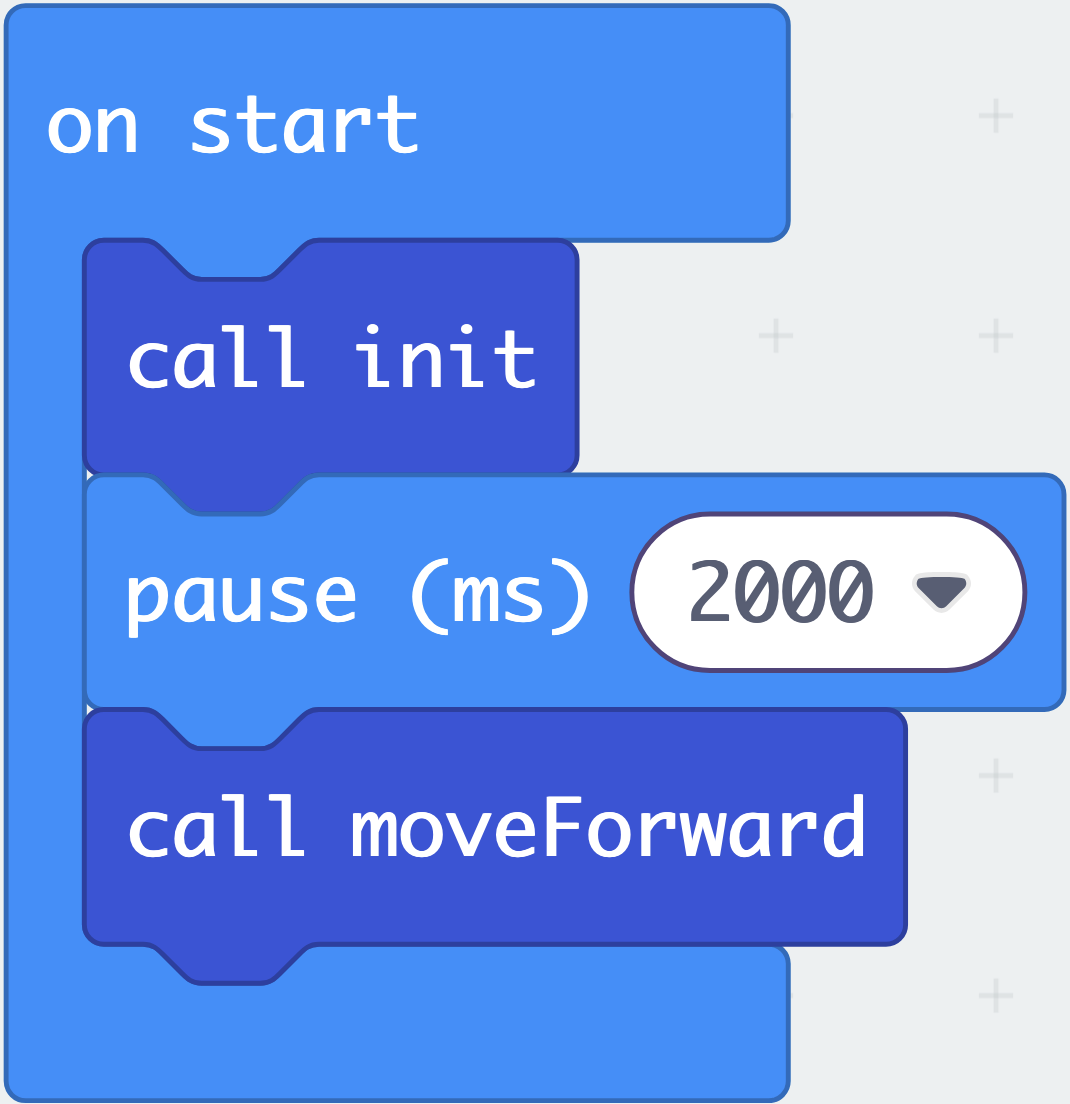
From the Functions draw (in advanced), grab the call moveForward block and put it after the delay
Save the offsets
Make sure you keep a copy of the init values, as they are unique to your MotiBot!
Plug in your Micro:bit
Connect your computer to the Micro:bit via the USB cable, if you have not already
Download the code & run
Download the code to your microbit via the purple download button in MakeCode. Then flip the switch and watch it take its first step!